
Hygiene mice for medical and hygiene-critical workplaces
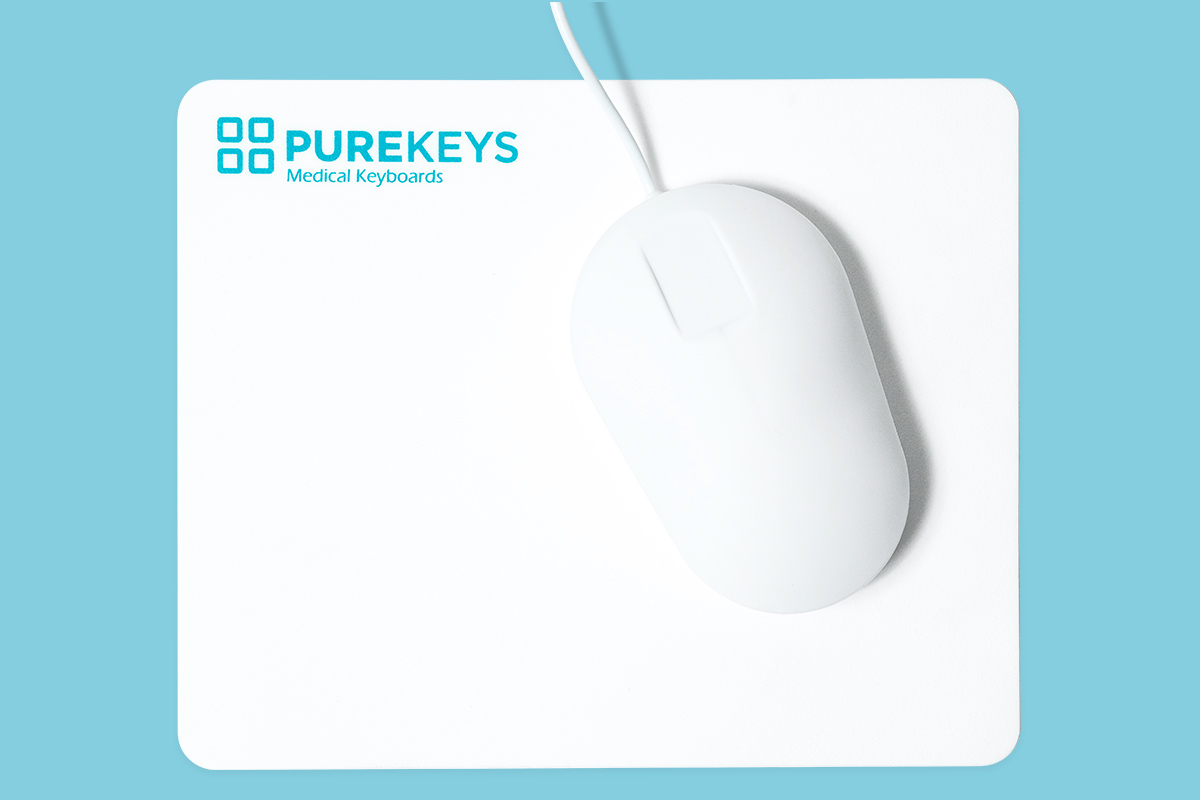
Purekeys hygiene mice have been developed for computer workstations where input devices need to be cleaned and disinfected regularly. Their sealed surface made of a flat silicone matrix protects the mouse from dust and liquids and can be wiped down quickly and thoroughly.
Unlike conventional computer mice, Purekeys hygiene mice do not have an exposed mechanical scroll wheel. This ensures a particularly seamless and uncluttered surface, and the mouse can be wiped down and disinfected in a single, continuous process.
Disinfectable computer mice from Purekeys in various models
Every mouse has a left and a right mouse button. Depending on the model, scrolling is controlled either via a touch-sensitive surface or via three separate middle buttons. All buttons and touch surfaces can also be operated whilst wearing disposable gloves.
All Purekeys computer mice:
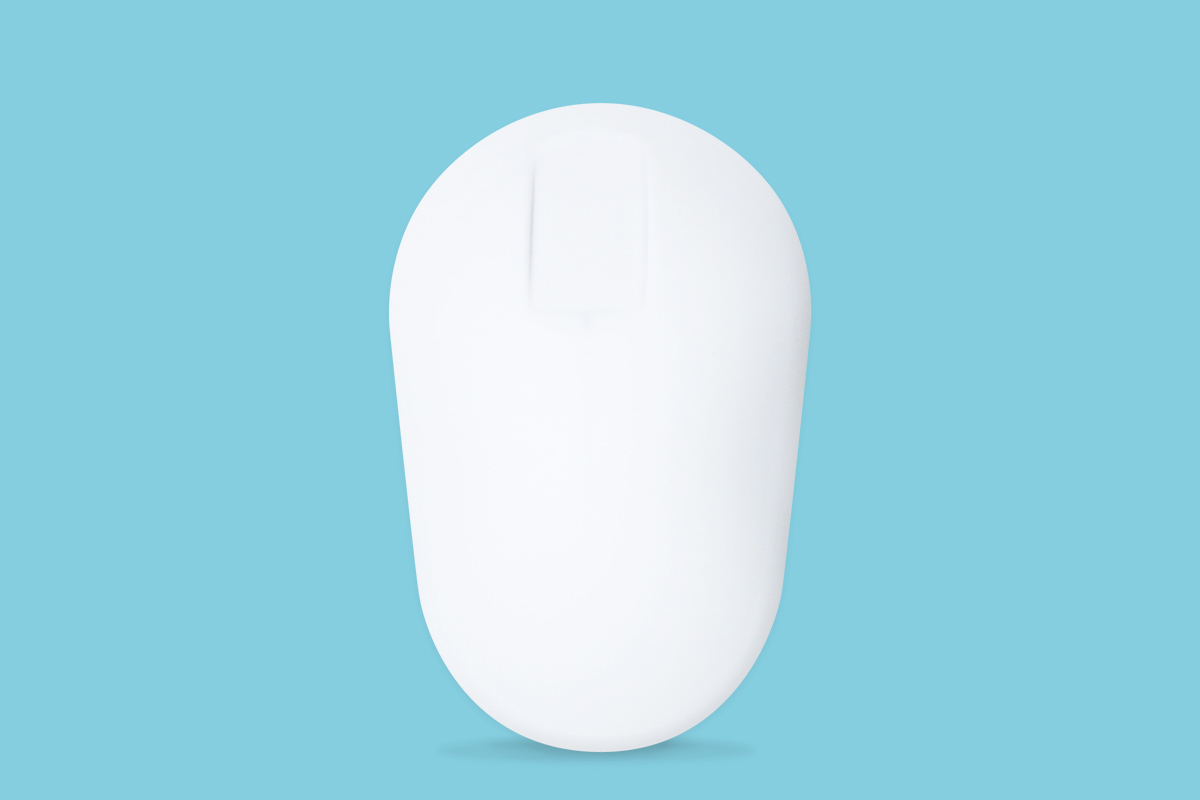
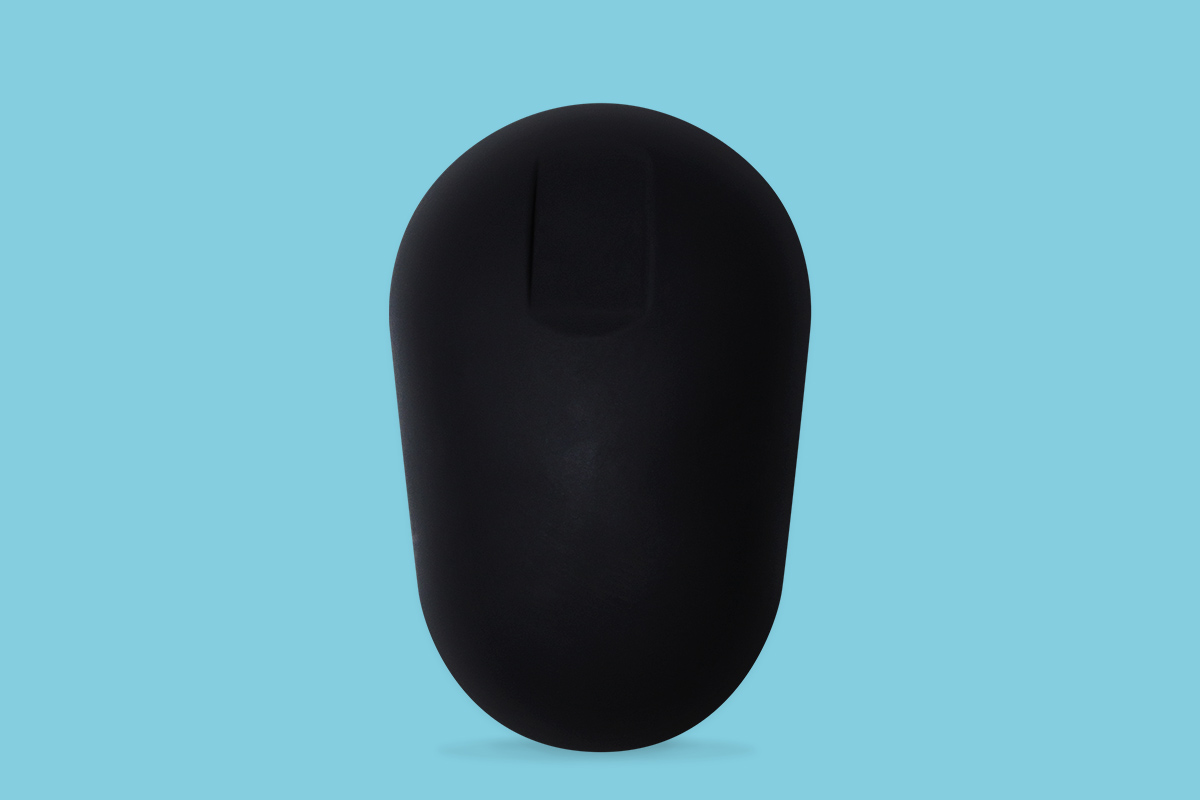
You can choose between two operating concepts:
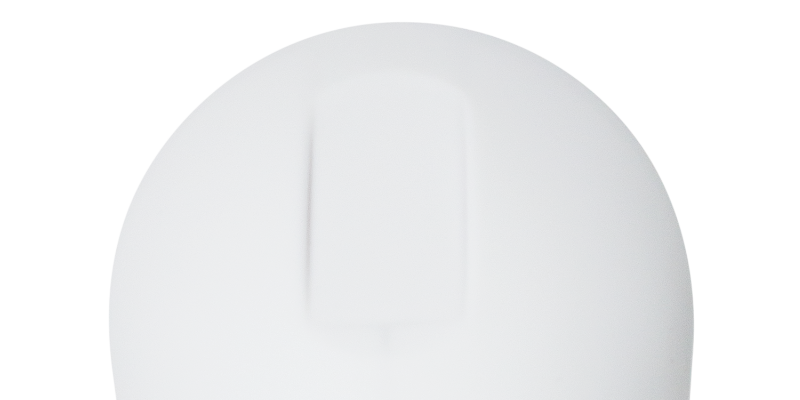
Touch scrolling
For a particularly smooth and minimalist finish.
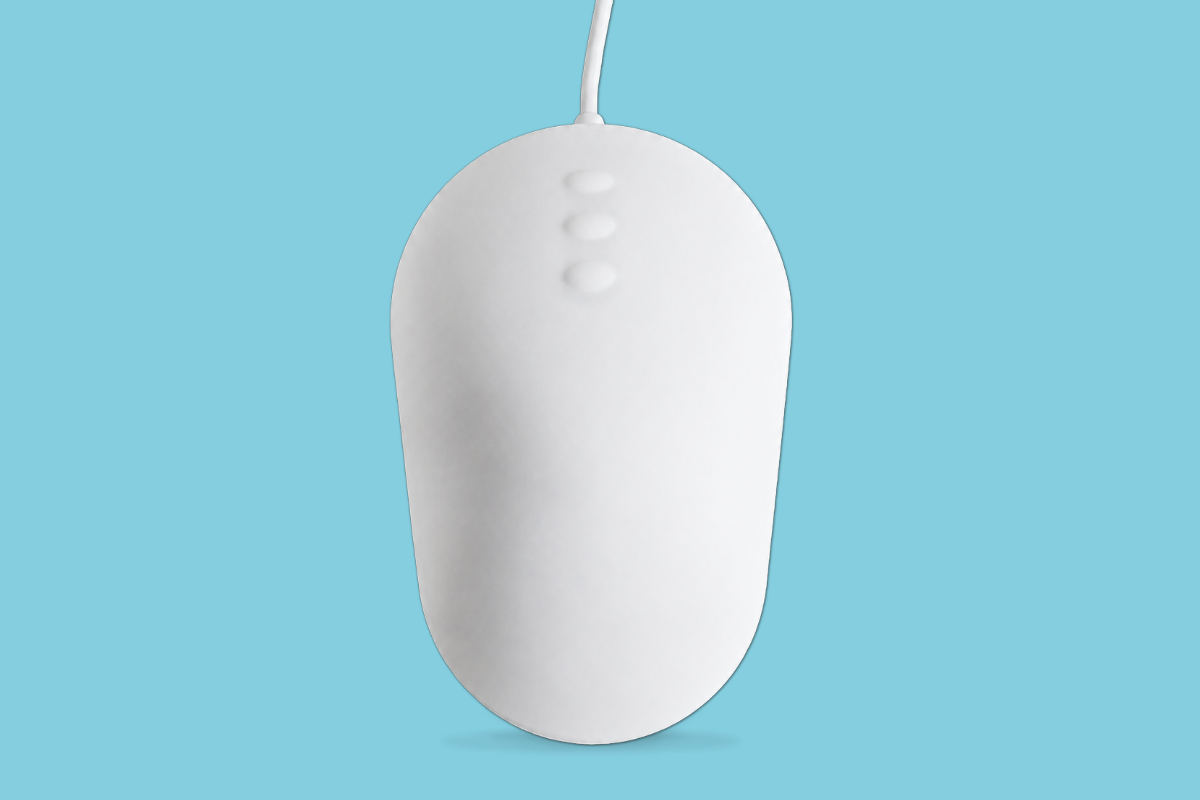
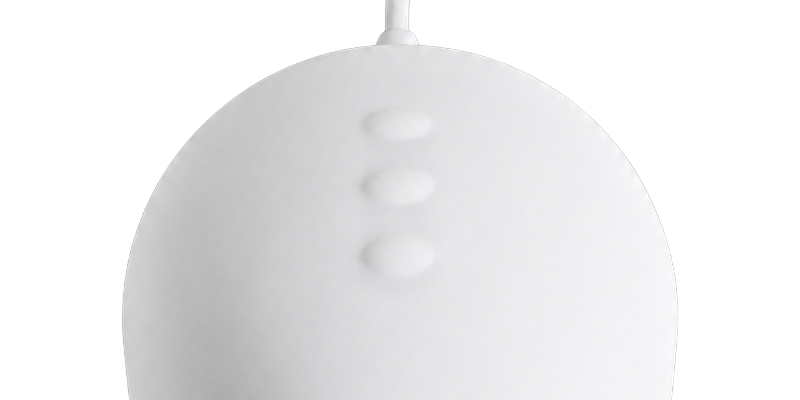
3-button scroll
For clearly defined, individually distinguishable scroll and mouse functions.
All models have a symmetrical design and can be operated with either the right or left hand.
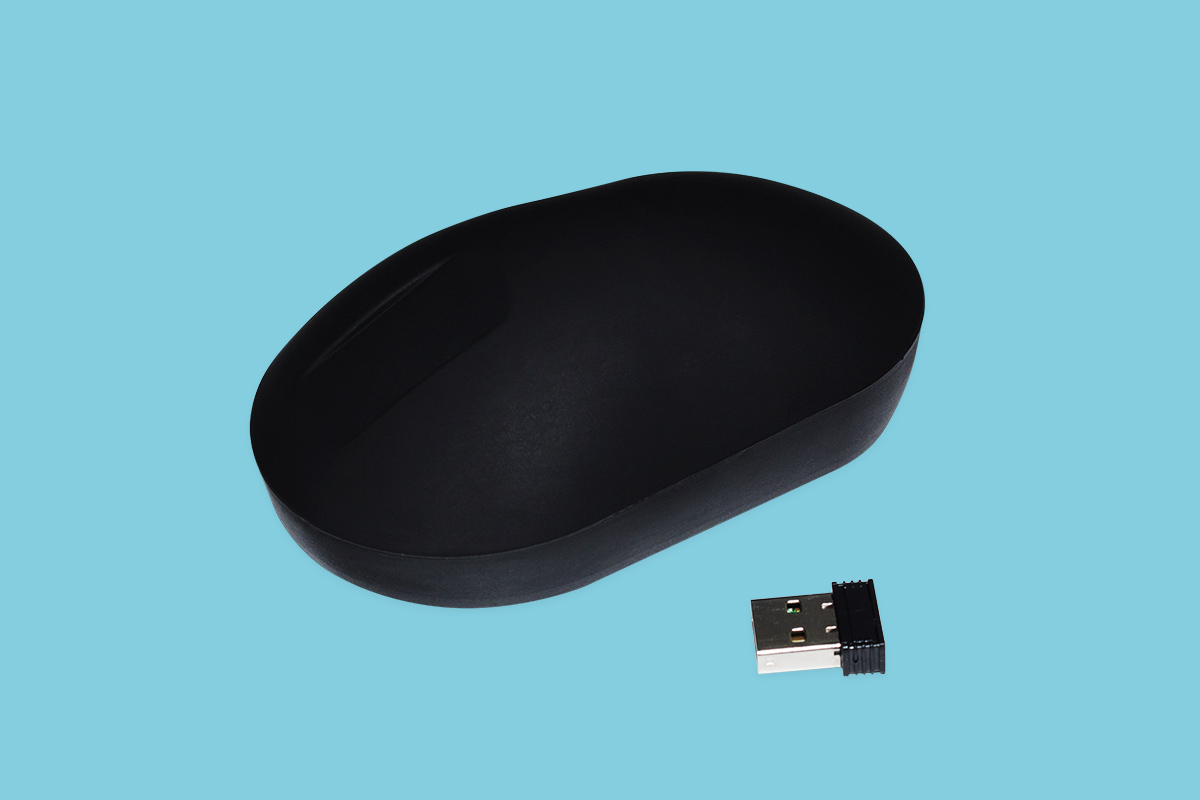
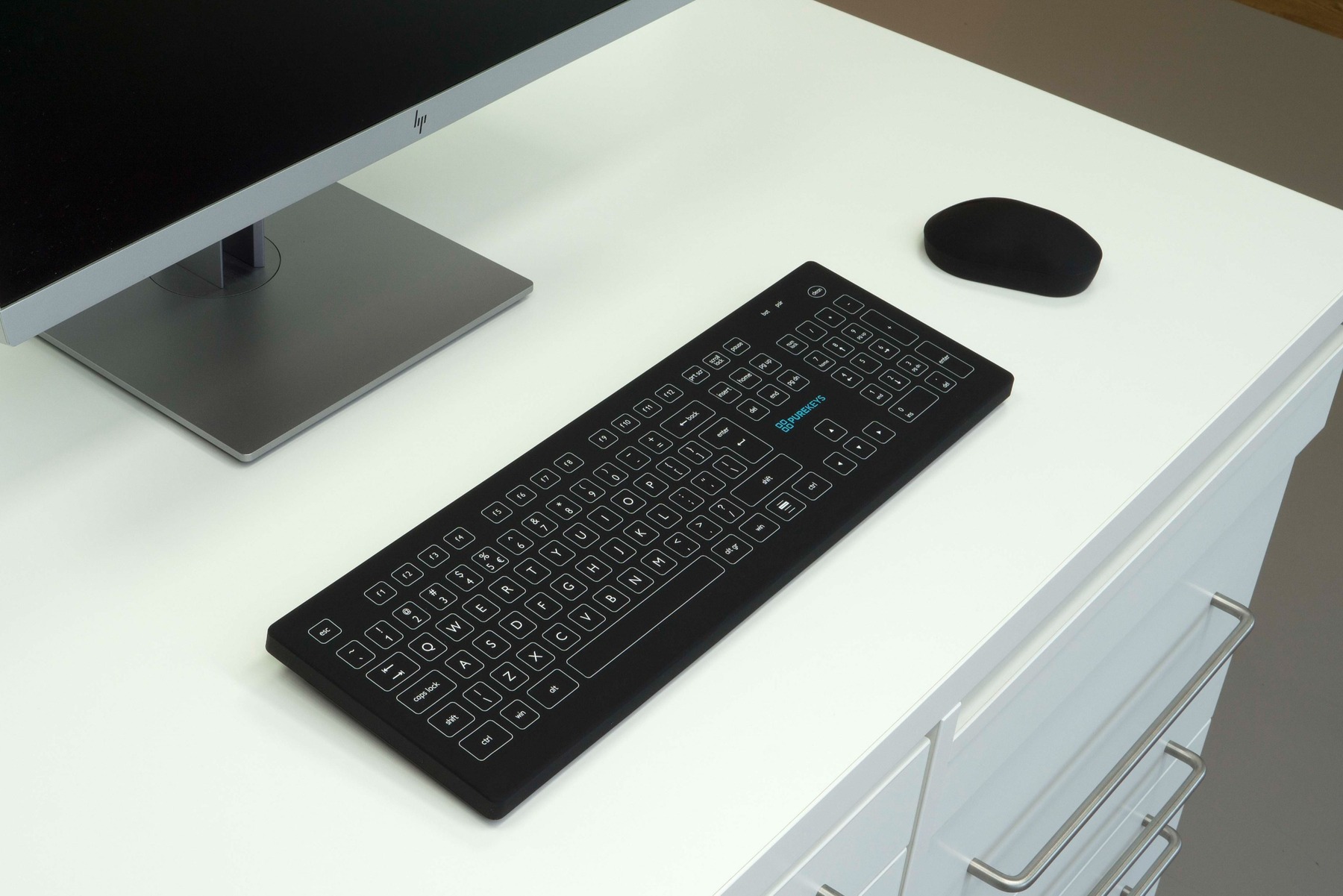
Purekeys hygiene mice are available with either a USB cable or a wireless connection, depending on the model, and come in white and, in some cases, black. The well-known mouse models are waterproof to IP66 and feature an optical sensor.
Two operating concepts for different requirements
Depending on the model, scrolling is controlled either via a touch-sensitive panel or via three separate centre buttons.
Touch-scroll mice: Scrolling using a sealed touch surface
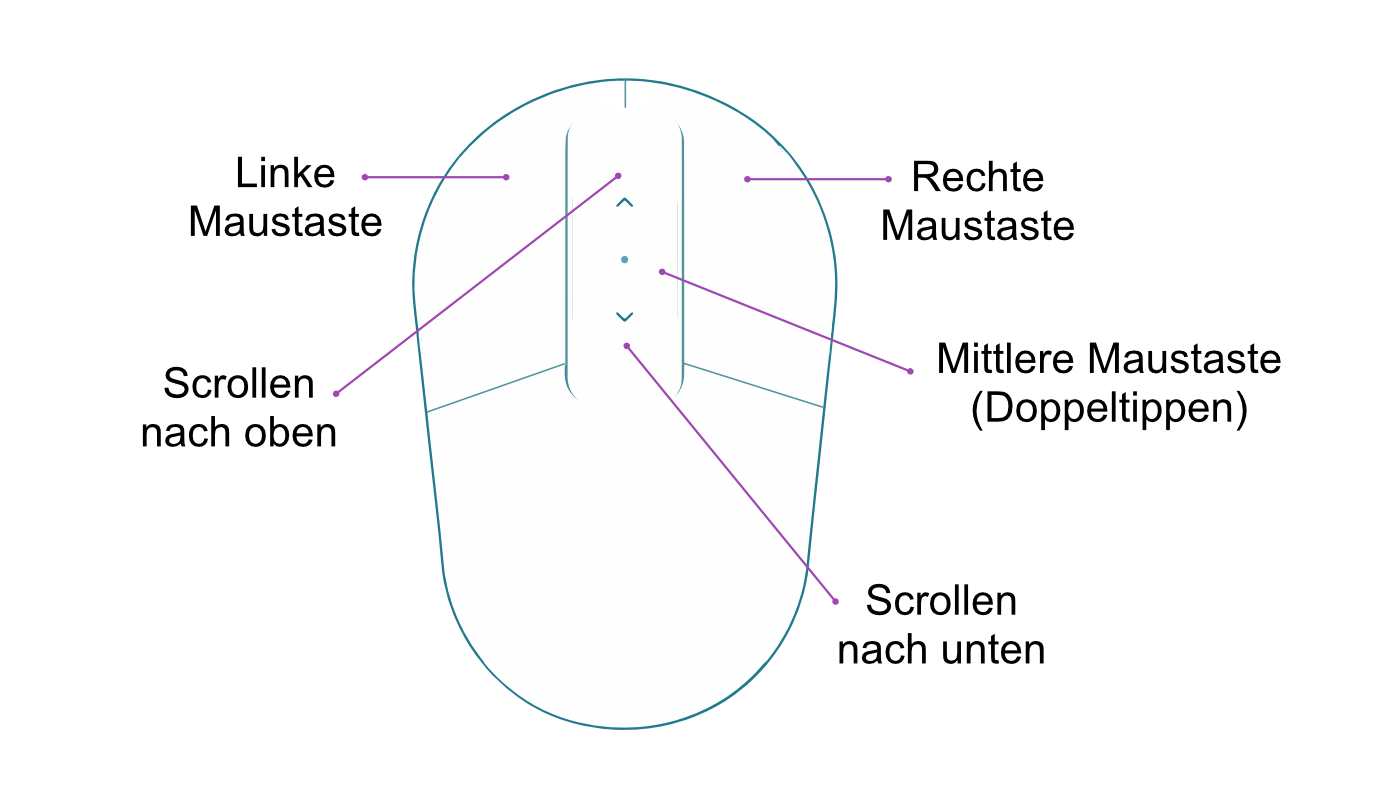
The Purekeys touch-scroll mice have a left and a right mouse button, as well as a touch-sensitive control area in the centre.
To scroll, move your finger forwards or backwards across the central area. Double-tapping the central area also activates the middle mouse button function.
In the standard Windows settings, the continuous scrolling function is switched on or off.
All touch-sensitive surfaces can also be operated whilst wearing disposable gloves.
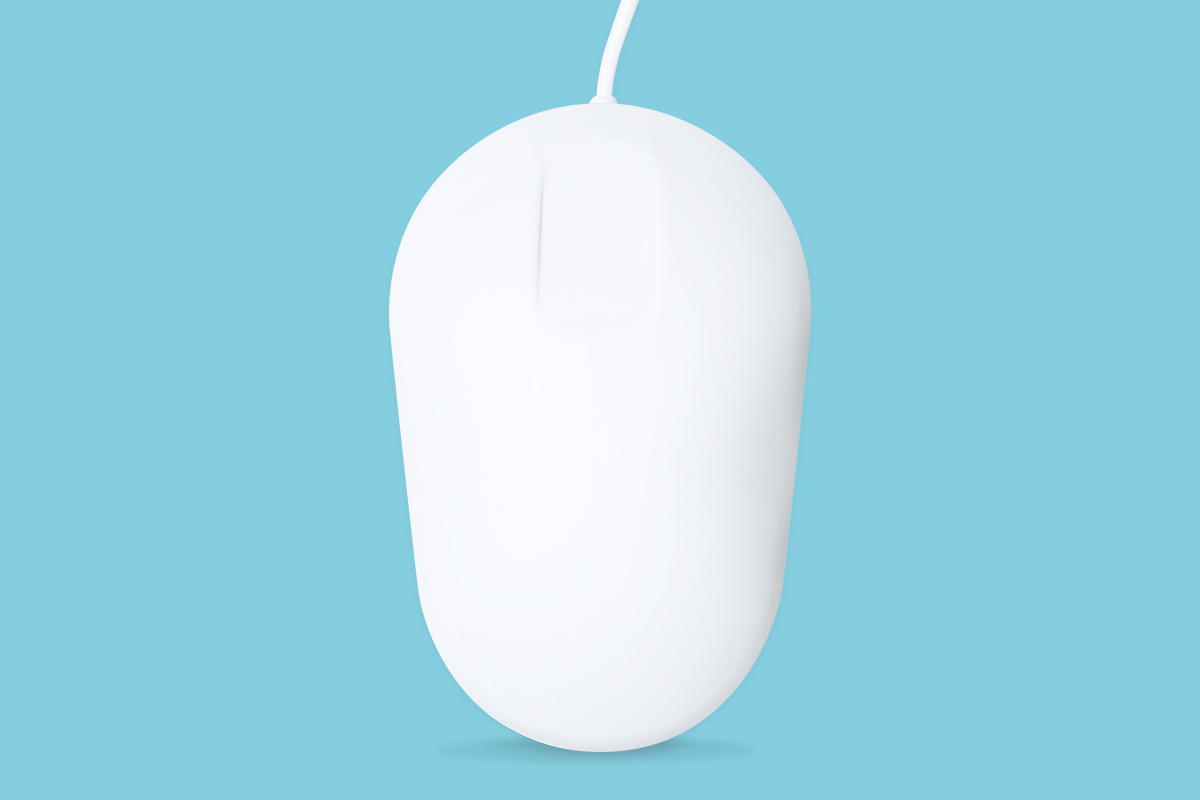
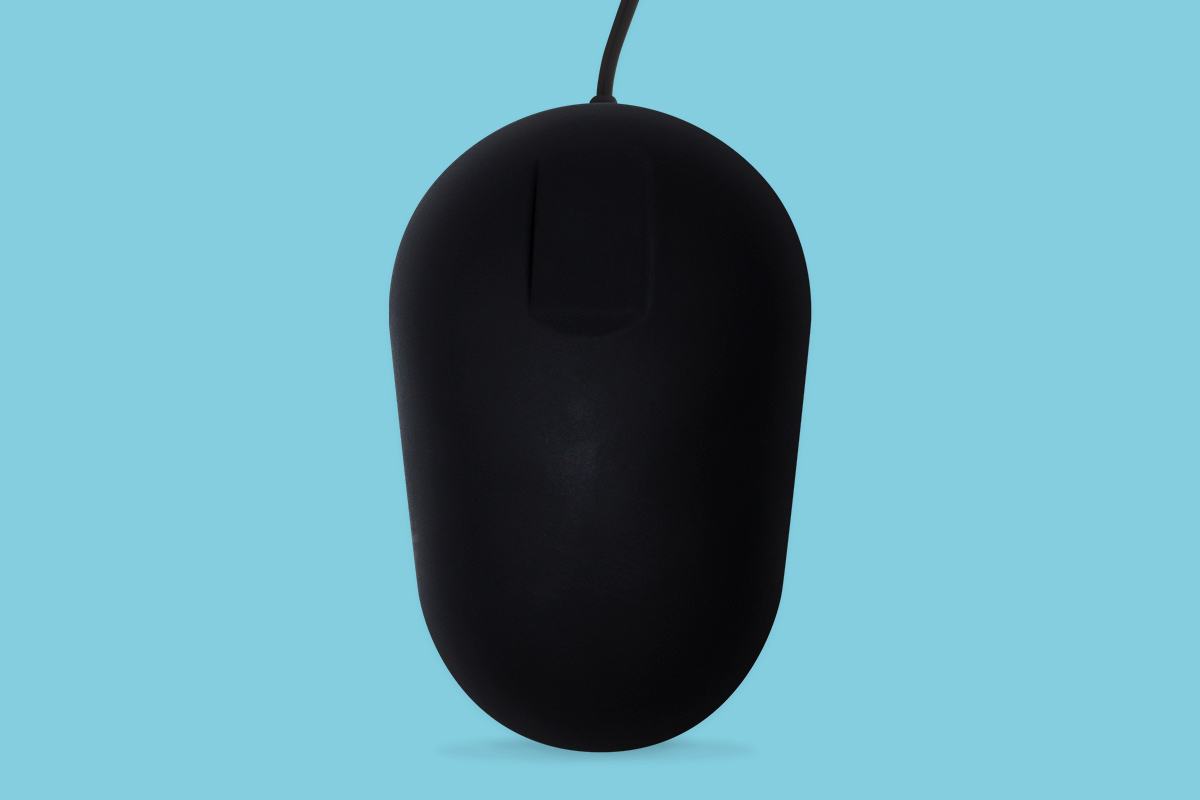
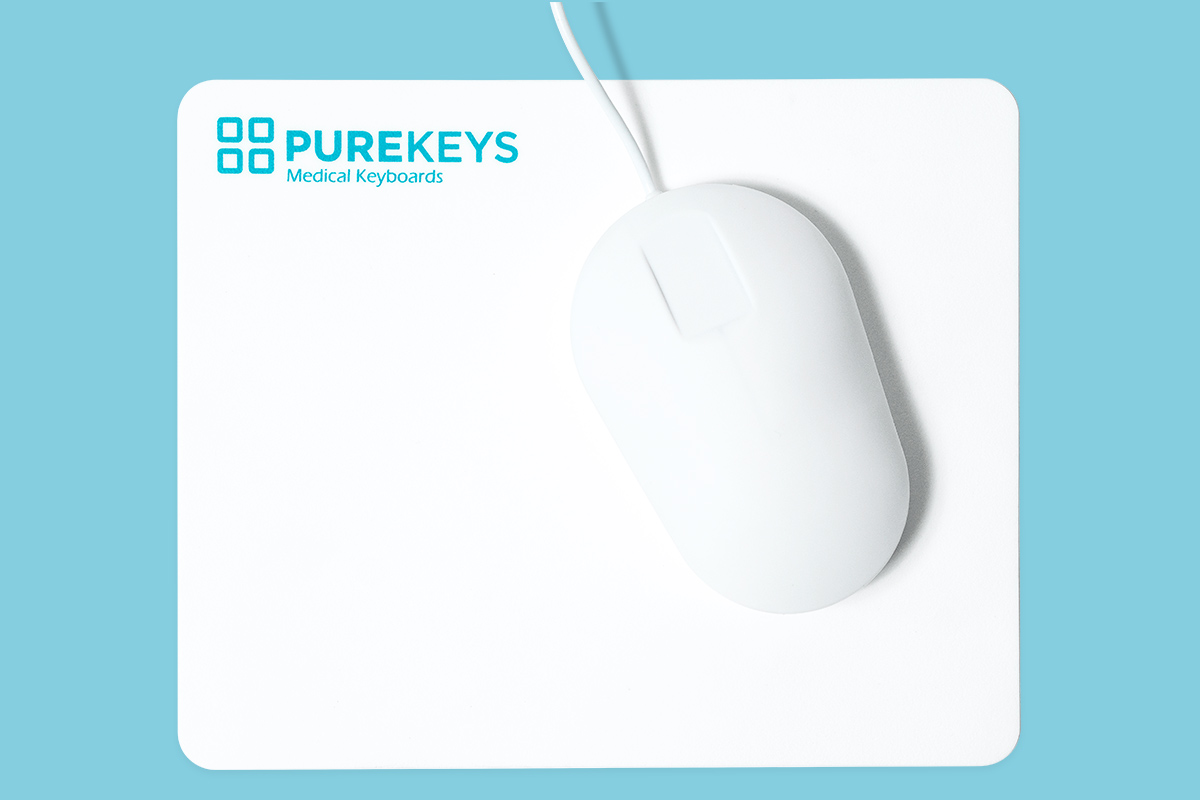
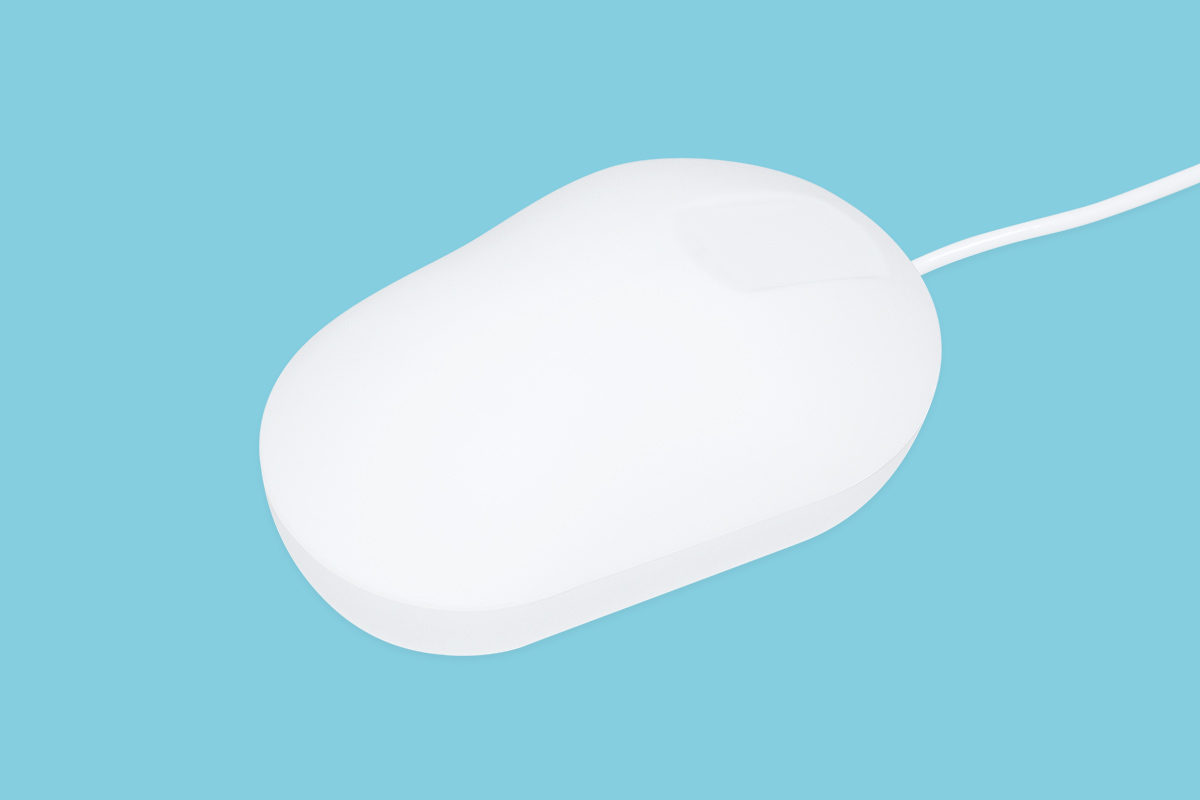
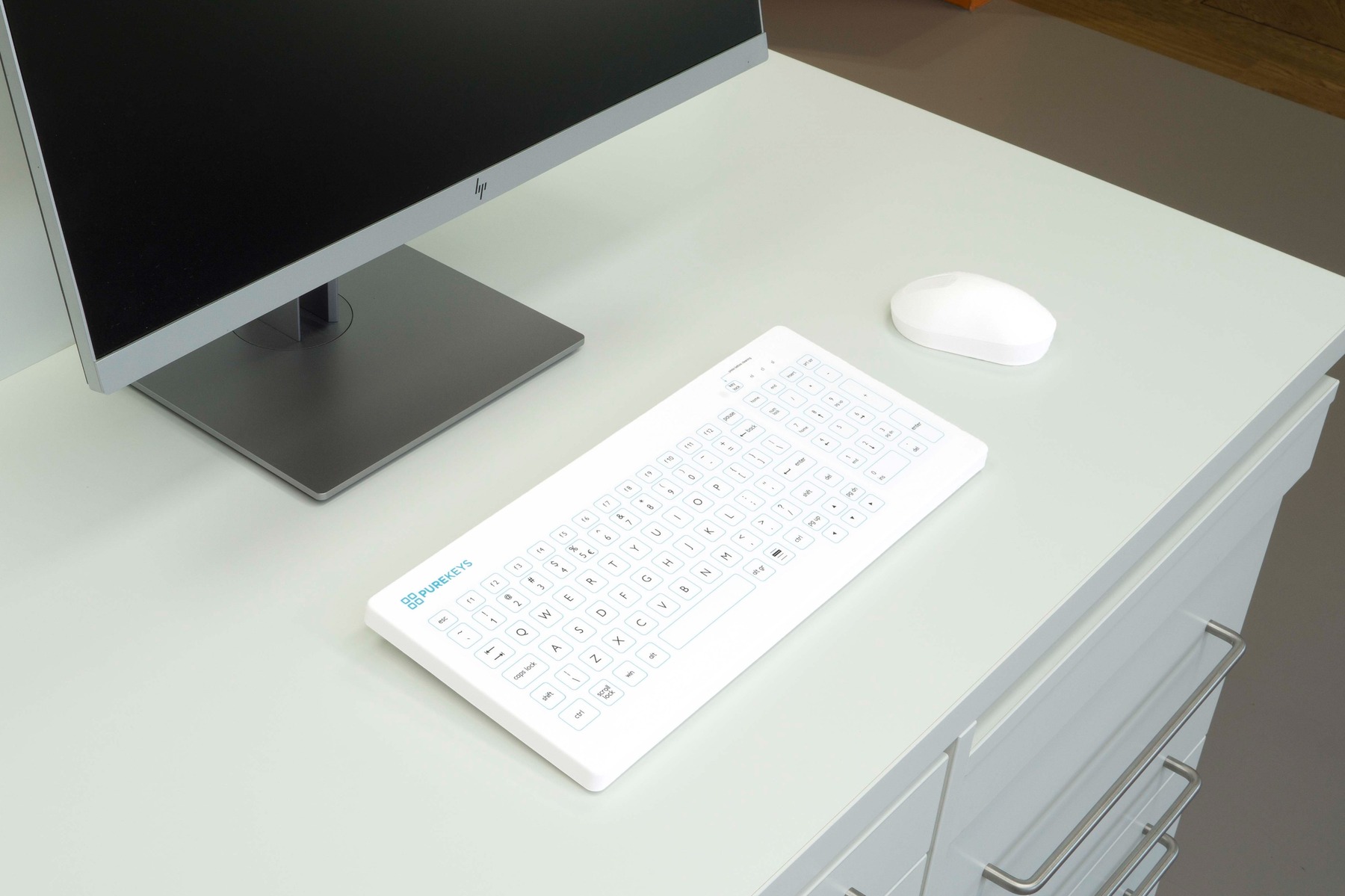
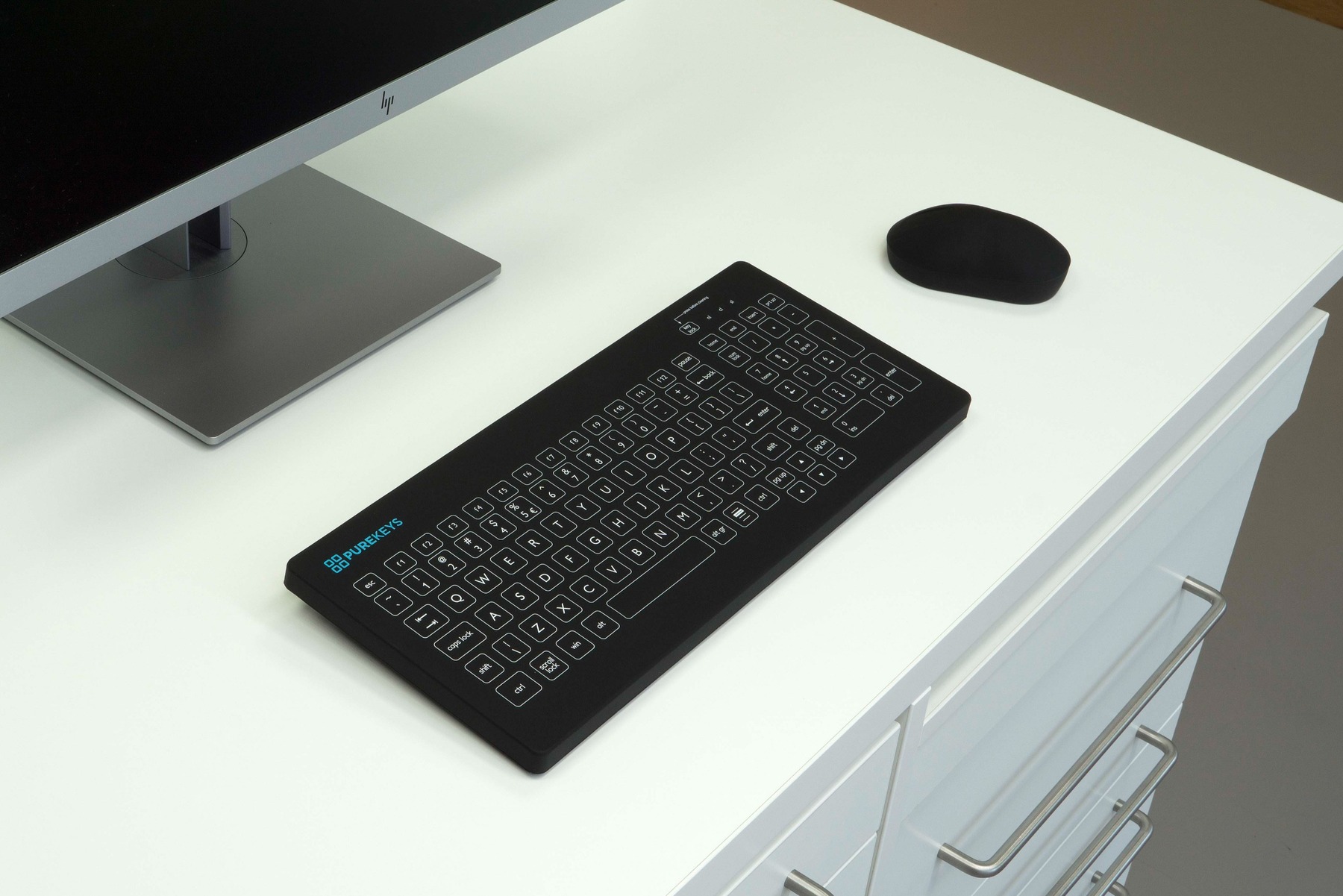
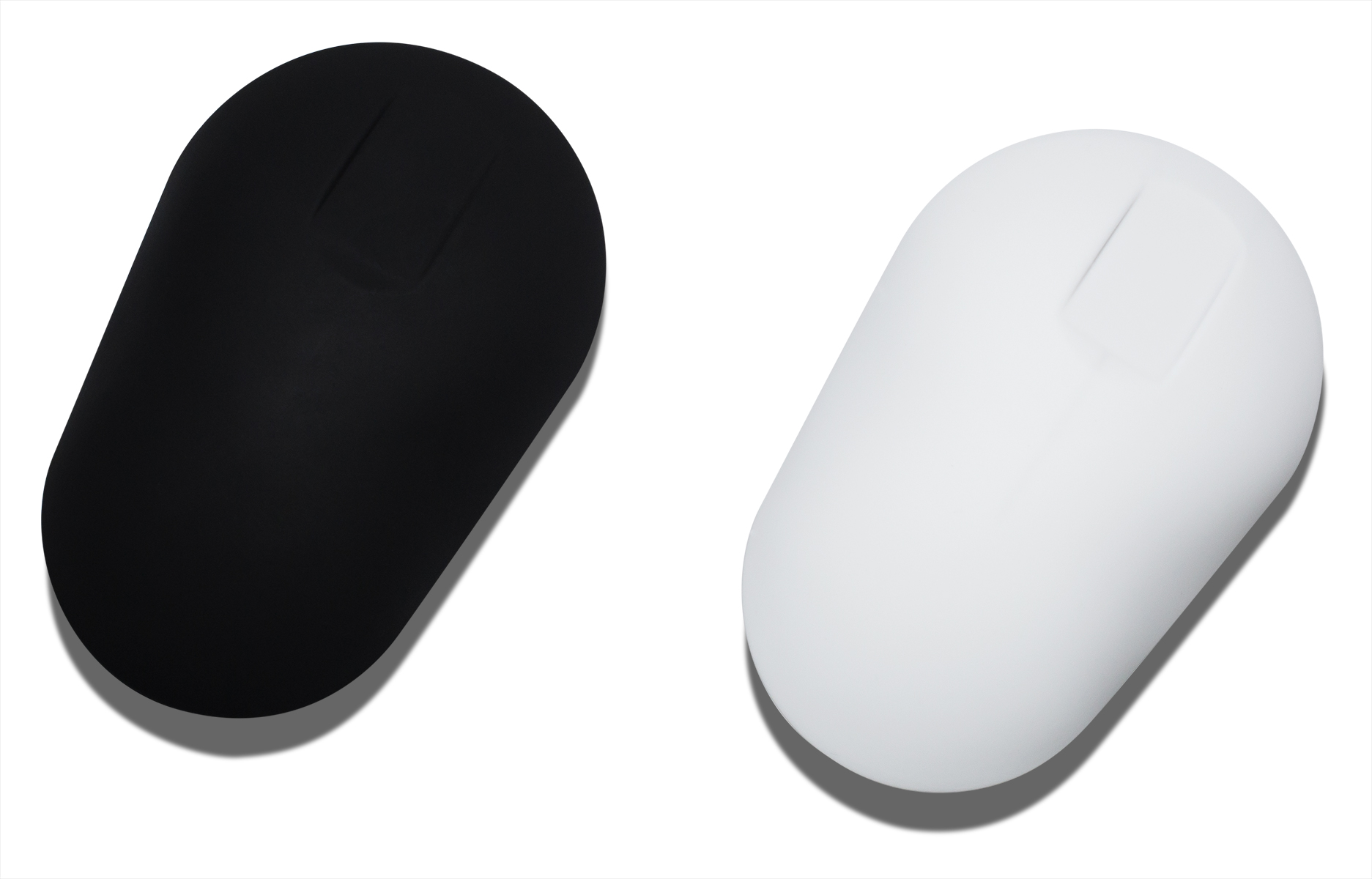
The following models feature touch scrolling:
Five-button hygiene mouse: 3 buttons for separate scroll control
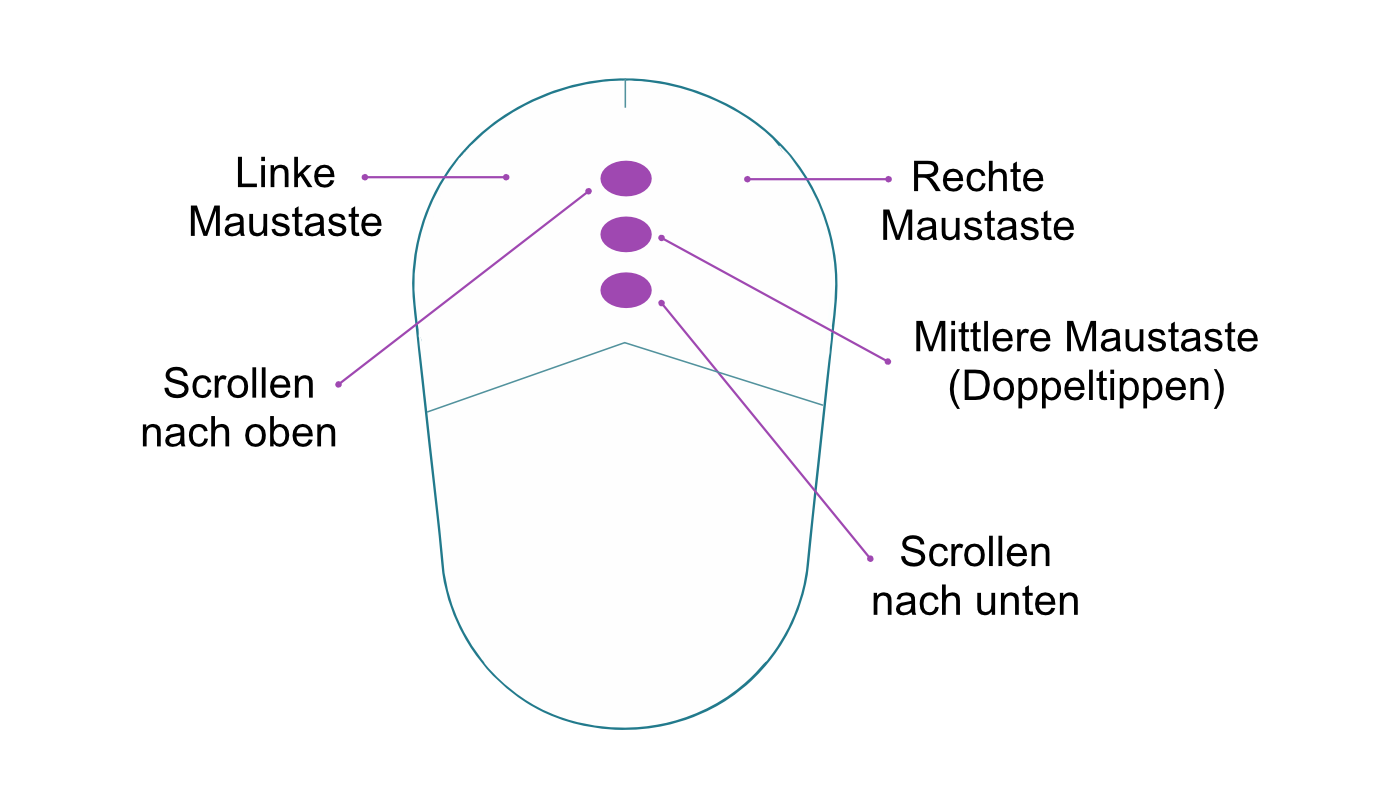
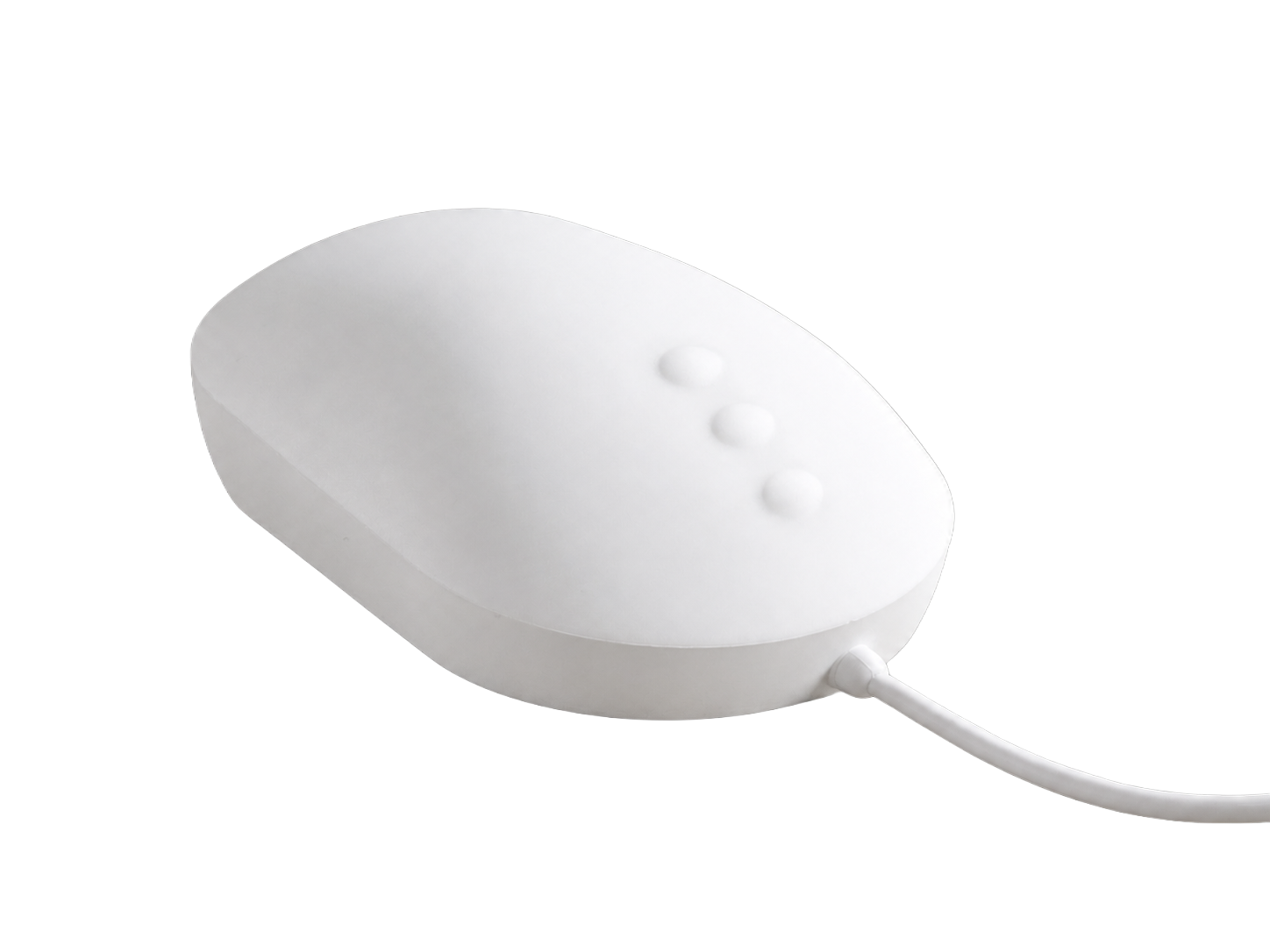
The Purekeys 30065 adds a hygiene mouse with five clearly separated buttons to the range.
As well as the left and right mouse buttons, it has three function buttons positioned in the centre. These buttons control scrolling and the function of the middle mouse button.
In the default Windows settings, a middle-click toggles the continuous scroll function on or off.
The 30065 is particularly suitable for users who prefer individual, tactile buttons to a touch-sensitive scroll pad. The scroll controls remain fully integrated into the sealed, easy-to-clean surface.
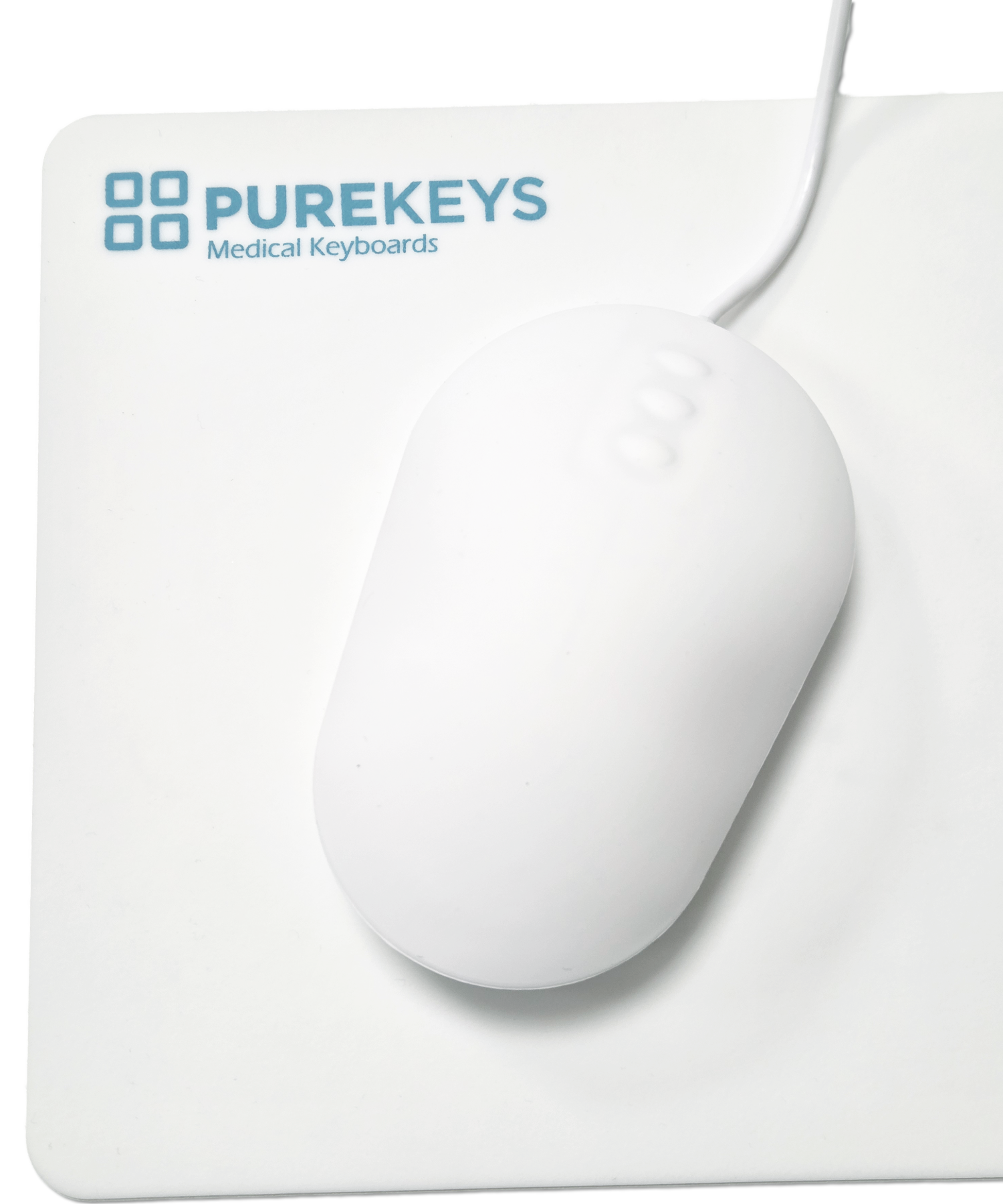
The model is connected to the computer via a permanently attached USB cable and does not require any batteries.
Purekeys models with 5-button control and three slightly raised scroll buttons:
Technical Specifications
Purekeys – hygienic computer mice
Depending on your preferred method of operation and workstation, you can choose between a five-button mouse, various touch-scroll models, and either a wired or wireless connection.
|
Models & Connections |
|
|---|---|
|
Dimensions |
Length x Width x Height |
|
Weight |
115 grams |
|
colours available |
black & white White |
|
Pause function |
Button controls |
|
Sensor |
Optical sensor |
|
Country layouts |
There are no country-specific differences for Purekeys hygiene mice. |
|
Battery life |
With a new, full set of 2 AAA batteries, the battery life is between 1 and 1.5 years. |
|
Water resistance |
IP66  |
|
Disinfectability |
Resistant to disinfectants   |
|
Warranty |
Statutory warranty period: |
|
Operation |
|
|
System requirements |
|
|
Product features |
|

Technical Specifications
|
Models & Connections |
DimensionsLength x Width x Height |
Weight115 grams |
colours available |
Optical SensorThe cursor is controlled by an optical sensor on the underside of the mouse and works on almost all surfaces except glass and in conditions of strong glare. A disinfectable Purekeys mouse mat can be helpful in such cases. |
Country layoutThere are no country-specific differences for Purekeys hygiene mice. |
Battery lifeWith a new, full set of 2 AAA batteries, the battery life is between 1 and 1.5 years. |
 Water resistance to IP66(all Purekeys devices) Complete protection against dust and powerful jets of water. |
 Resistant to disinfectants(all Purekeys devices) Can be disinfected by wiping or spraying with all standard disinfectants, including those containing chlorine, fungicides, hydrogen peroxide or more than 70 per cent alcohol. |
Warranty(all Purekeys devices) Statutory warranty period: |
 Pause functionButton controls |
System requirementsWindows, Mac OS, Linux |
Operation |
Product features |
Which control option is right for me?
Five buttons: three tactile buttons for clearly defined operation
The 30065 3-button scroll mouse is particularly suitable for those who prefer to control scrolling using separate buttons.
The three central buttons allow for clearly defined operation and provide immediate feedback on which function is being activated. This can be particularly helpful for users who are less familiar with touch-sensitive surfaces or who prefer buttons with a distinct tactile feel.
Touchscroll: A particularly minimalist and sleek user interface
The touch-scroll models are ideal for users who prefer a surface that is as smooth as possible and particularly easy to clean.
As there is no need for a mechanical scroll wheel or additional scroll buttons, the control surface has a particularly minimalist look.
In Windows settings, you can optimise the scrolling behaviour to make the transition easier and more comfortable.
Our recommendation:
Wireless mice and black mice are only available with touch scrolling.
Touch-scroll mice are ideal for most applications in medical practices.
Where many different people use a hygienic mouse at their workstations, a 5-button mouse is ideal, as it requires very little getting used to in terms of the scroll area. Examples of this include hospitals and clinics, where workstations are frequently used by many different users.
Questions & Answers
Answers regarding cleaning, disinfectants, operation, cordless models, country-specific layouts and the use of Purekeys in hygiene-critical work areas.
USB cable or wireless?
All versions are based on the same basic concept: a sealed, disinfectable mouse surface with no exposed mechanical scroll wheel.
The main difference lies in the connection to the computer and in the organisation of the workstation.
Wired Purekeys mouse
A permanent connection with no need to change the battery
A wired hygiene mouse is particularly suitable for permanently set-up computer, treatment and documentation workstations.
The mouse connects directly to the computer via USB. It does not require any batteries and is ready for use immediately after being plugged in.
USB-wired models:
– 30065 – White, five buttons
– 50065 – White, touch scroll
– 50265 – Black, touch scroll
Our recommendation:
The wired version is a good choice if the mouse is used permanently at the same workstation, you do not want to have to change the batteries, and a cable does not pose a hygiene issue.
The USB cable on wired Purekeys keyboards is 1.8 m long.
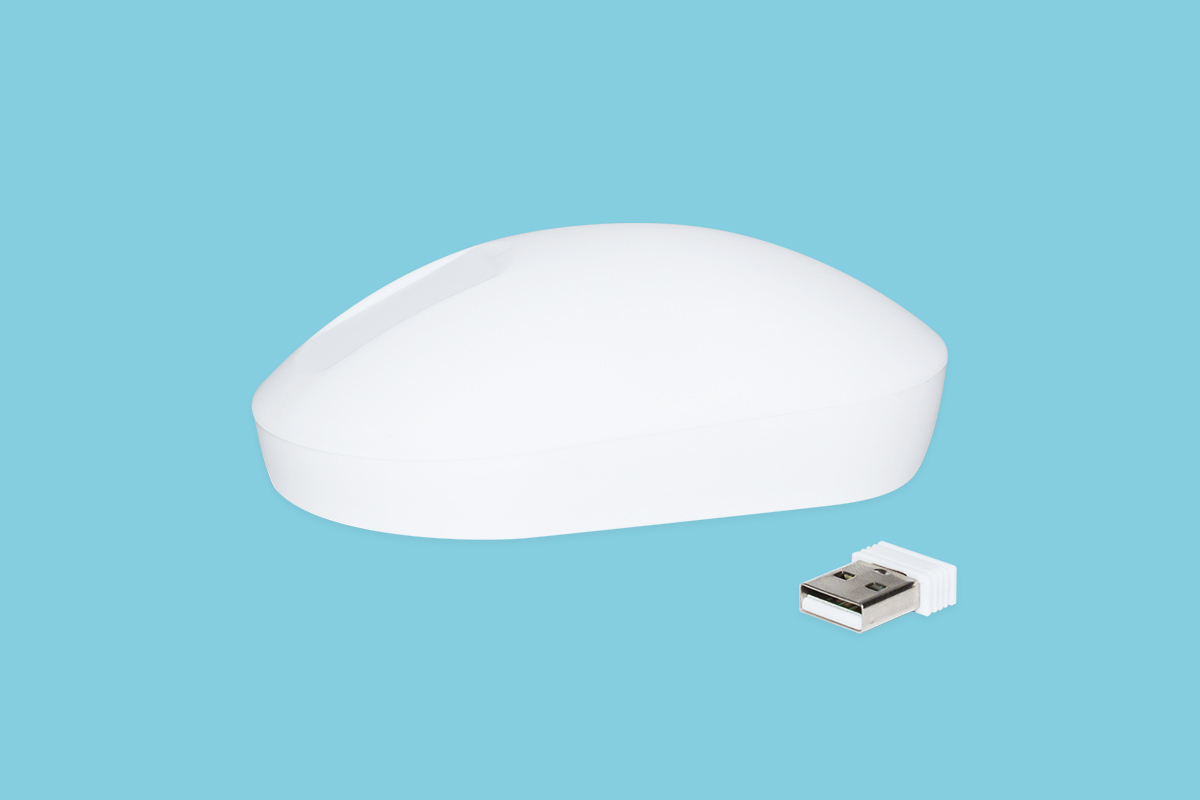
Wireless Purekeys mice
More freedom and fewer cables.
A wireless hygiene mouse is particularly suitable for flexibly organised workspaces or areas where the aim is to minimise the number of cables on the work surface.
The connection is made via a compact USB wireless receiver. The range is up to 12 metres.
Wireless models:
– 50075 – White, touch scroll
– 50275 – Black, touch scroll
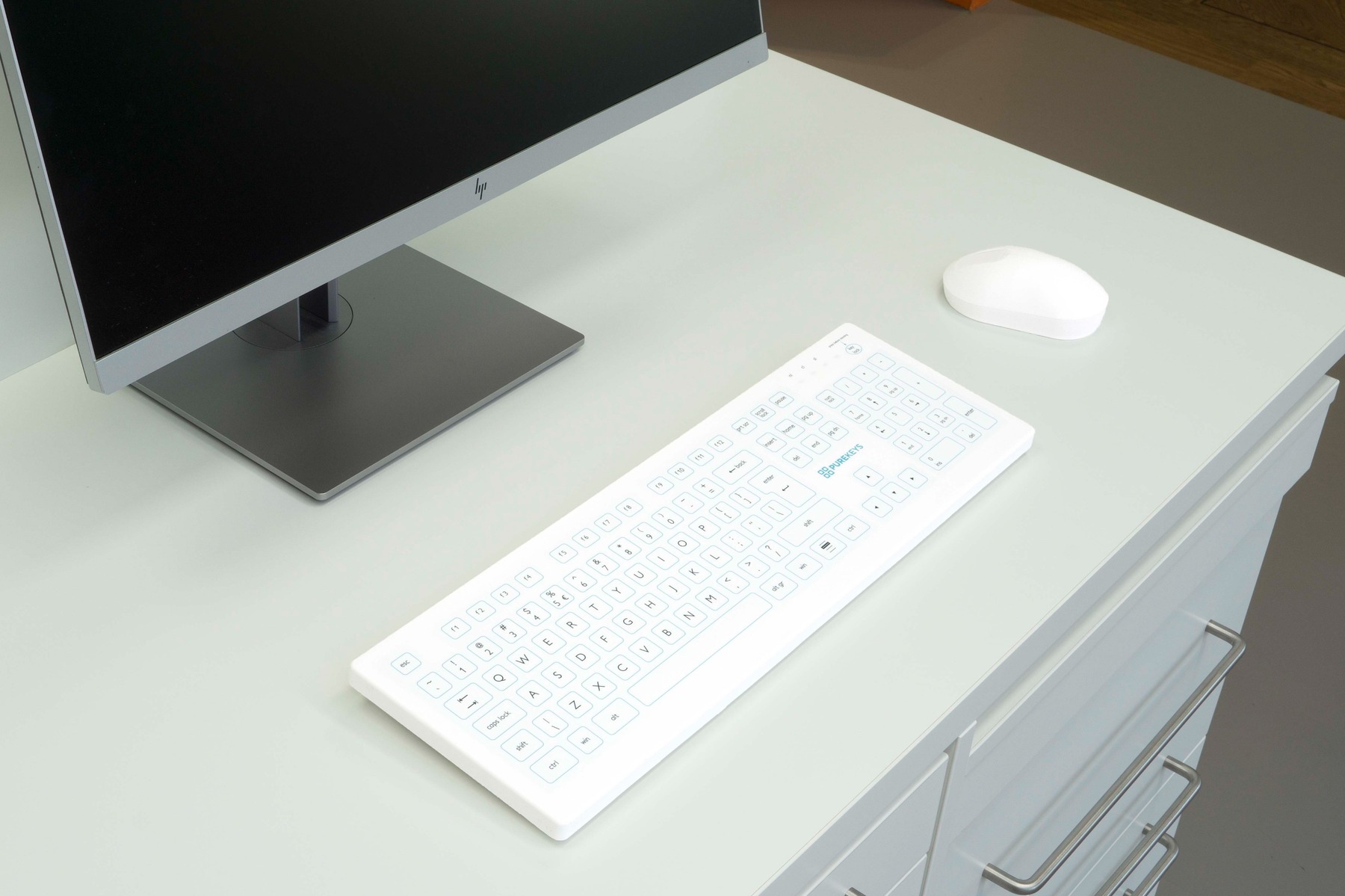
Another advantage arises when used in conjunction with a wireless Purekeys hygiene keyboard:
The mouse and keyboard can be operated via a single wireless receiver. This means that only one USB port is used, keeping the workspace tidier.
Our recommendation:
The wireless version is a good choice if you want greater freedom of movement and better hygiene, fewer cables, or to share a receiver with a Purekeys wireless keyboard.
Which option is best depends less on the keyboard itself and more on where it will be used. If you’re looking for a fixed, simple and permanently connected solution, a USB cable is usually the obvious choice. If you want your workspace to remain as cable-free, flexible or tidy as possible, the wireless option may be more suitable.
Advice & Service
Contact and advice
We are here to help with any queries you may have regarding the operation, cleaning and selection of the right Purekeys hygiene mouse.
Whether it’s touch scrolling, separate scroll buttons, a USB cable or a wireless connection: together we’ll find the option that suits you best.
Direct consultation
A personal conversation to answer your questions quickly and directly.
Availability:
Mon–Fri 9.00 am–5.00 pm
Email enquiry
Please send us your requirements, requests for quotations or any questions you may have.
We respond quickly and reliably.