A disinfectable keyboard for reliable hygiene in the workplace
Why are there keyboards that can be disinfected?
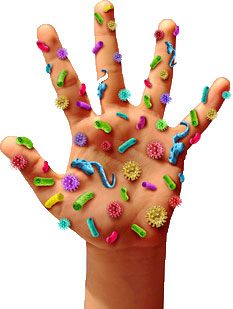
Computer keyboards are among the most frequently touched items in the workplace – yet conventional models are difficult to clean thoroughly. Dirt can accumulate between keycaps, along edges and in recesses, areas that are only partially accessible during standard wipe-down disinfection, which is usually recommended. Particularly in doctors’ surgeries, clinics, laboratories and other hygiene-sensitive areas, the keyboard therefore quickly becomes a weak point in the daily hygiene regime.
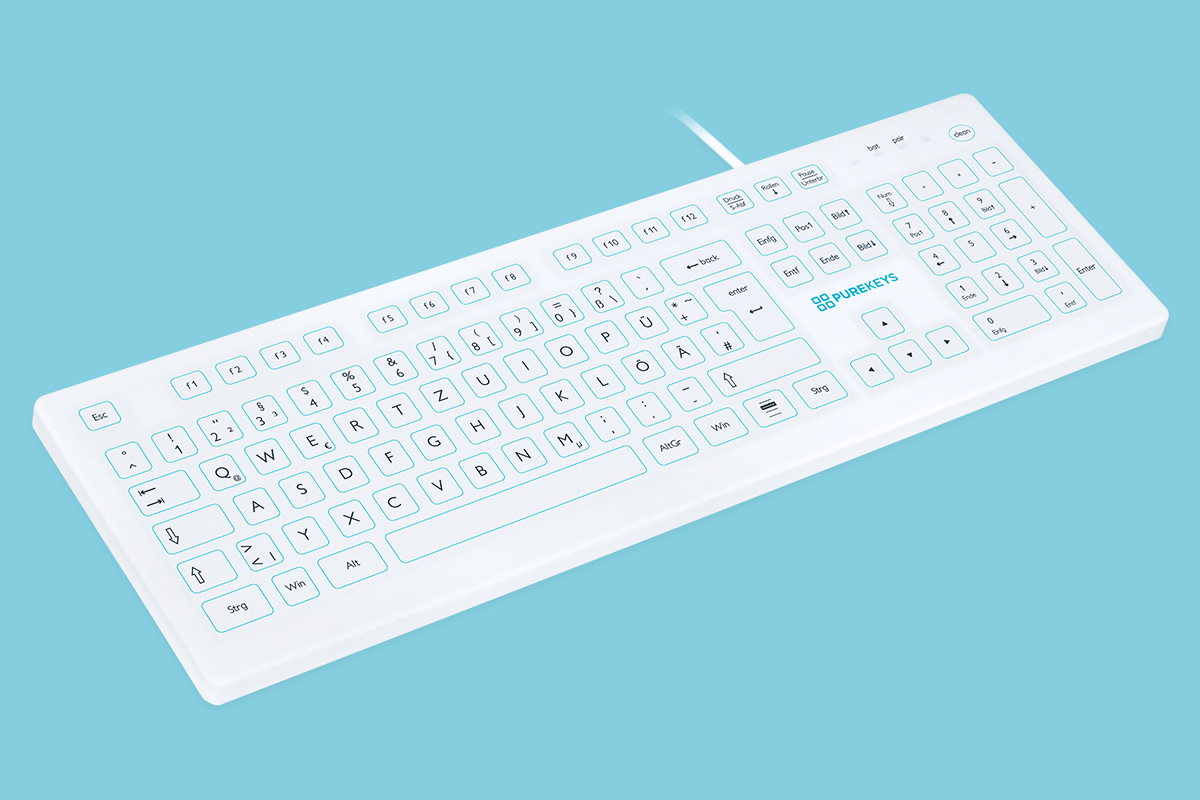
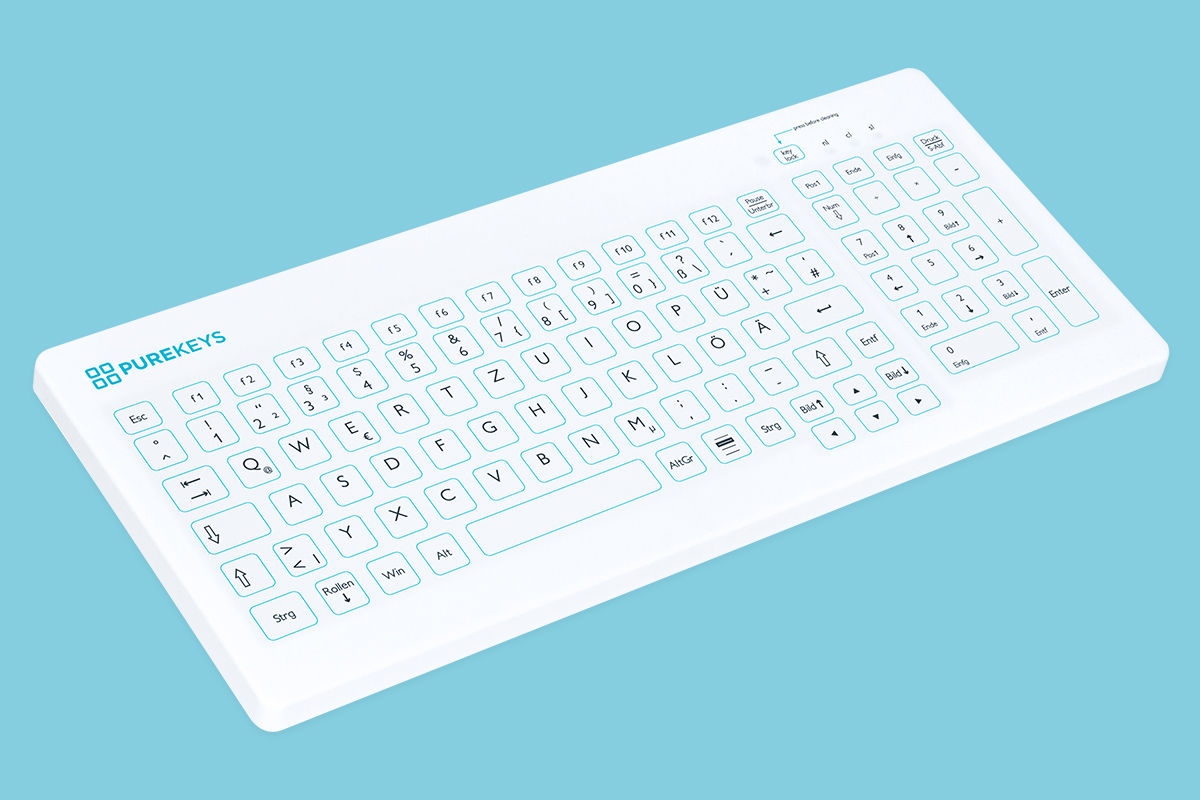
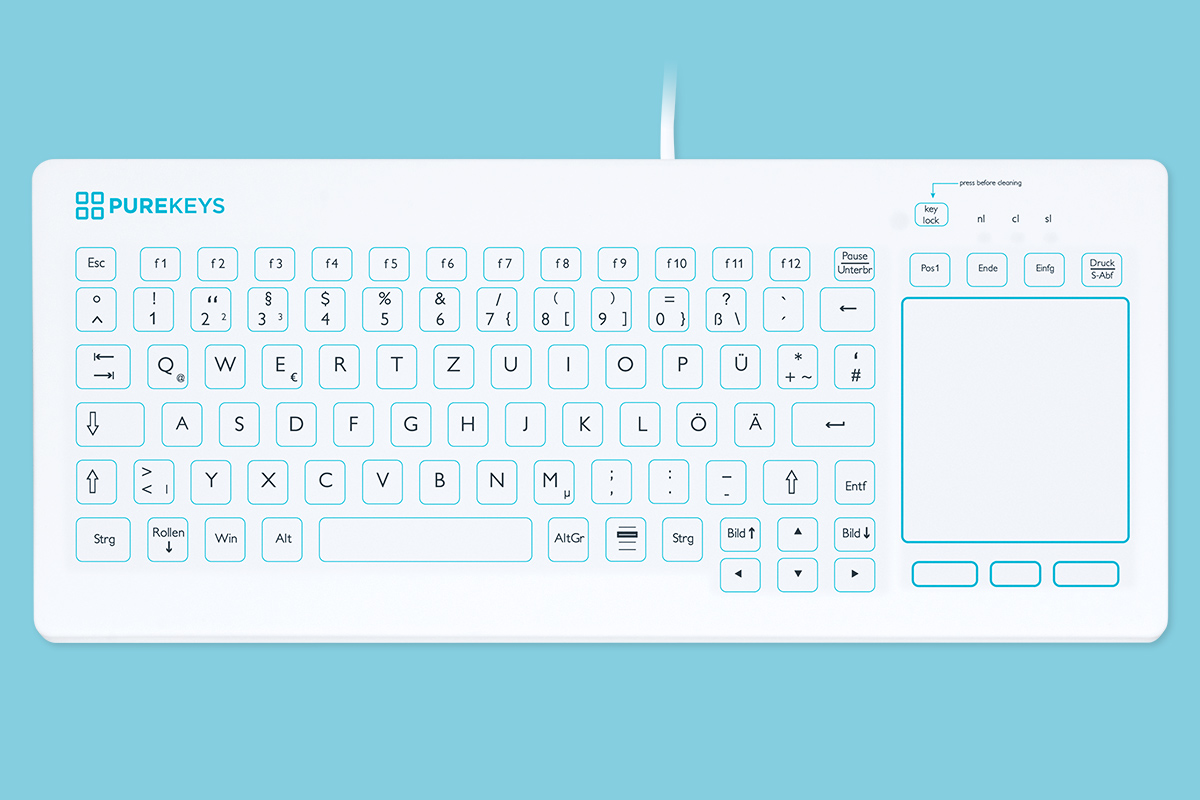
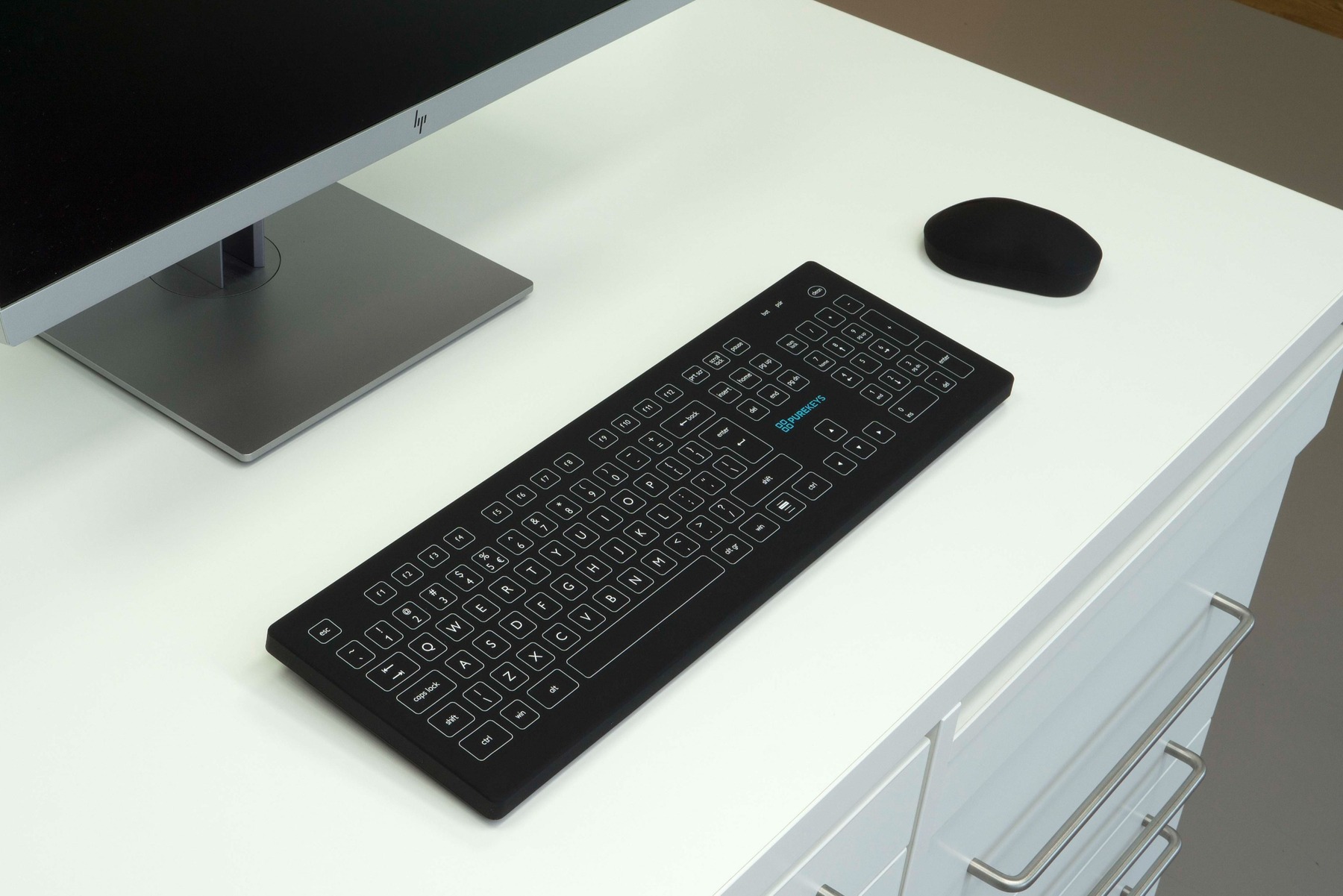
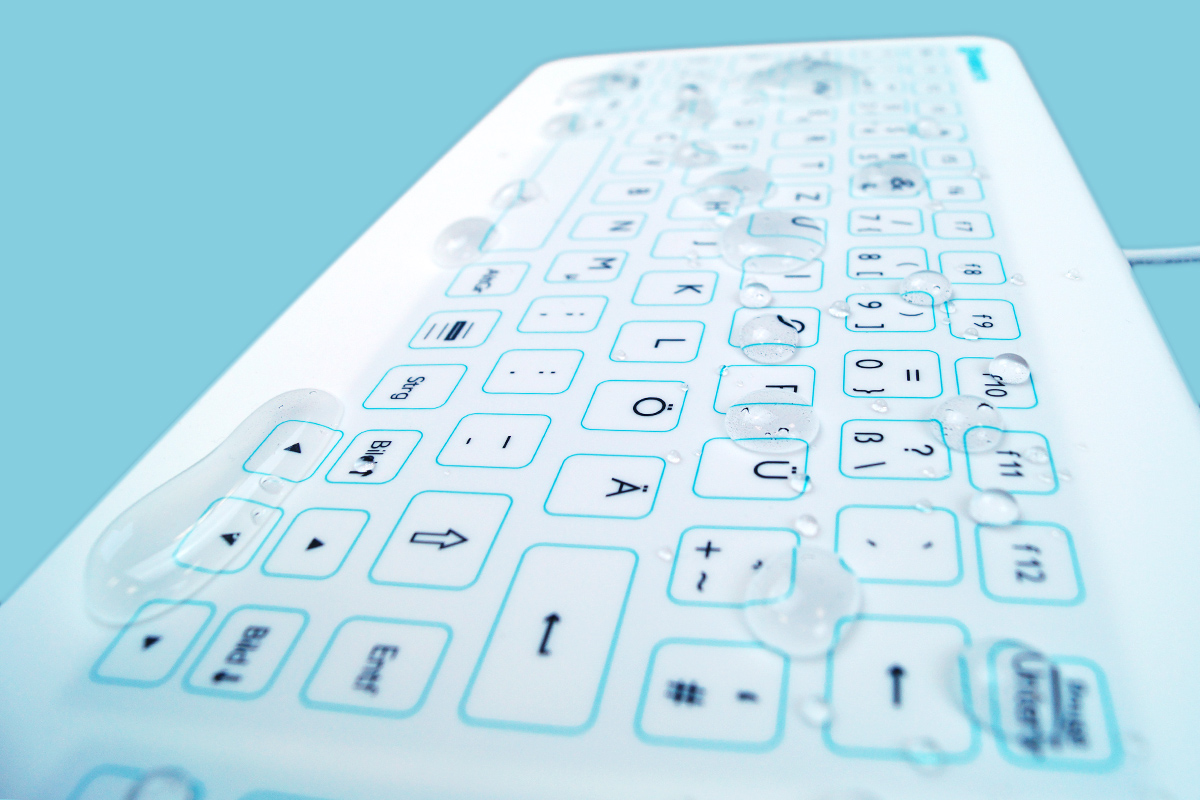
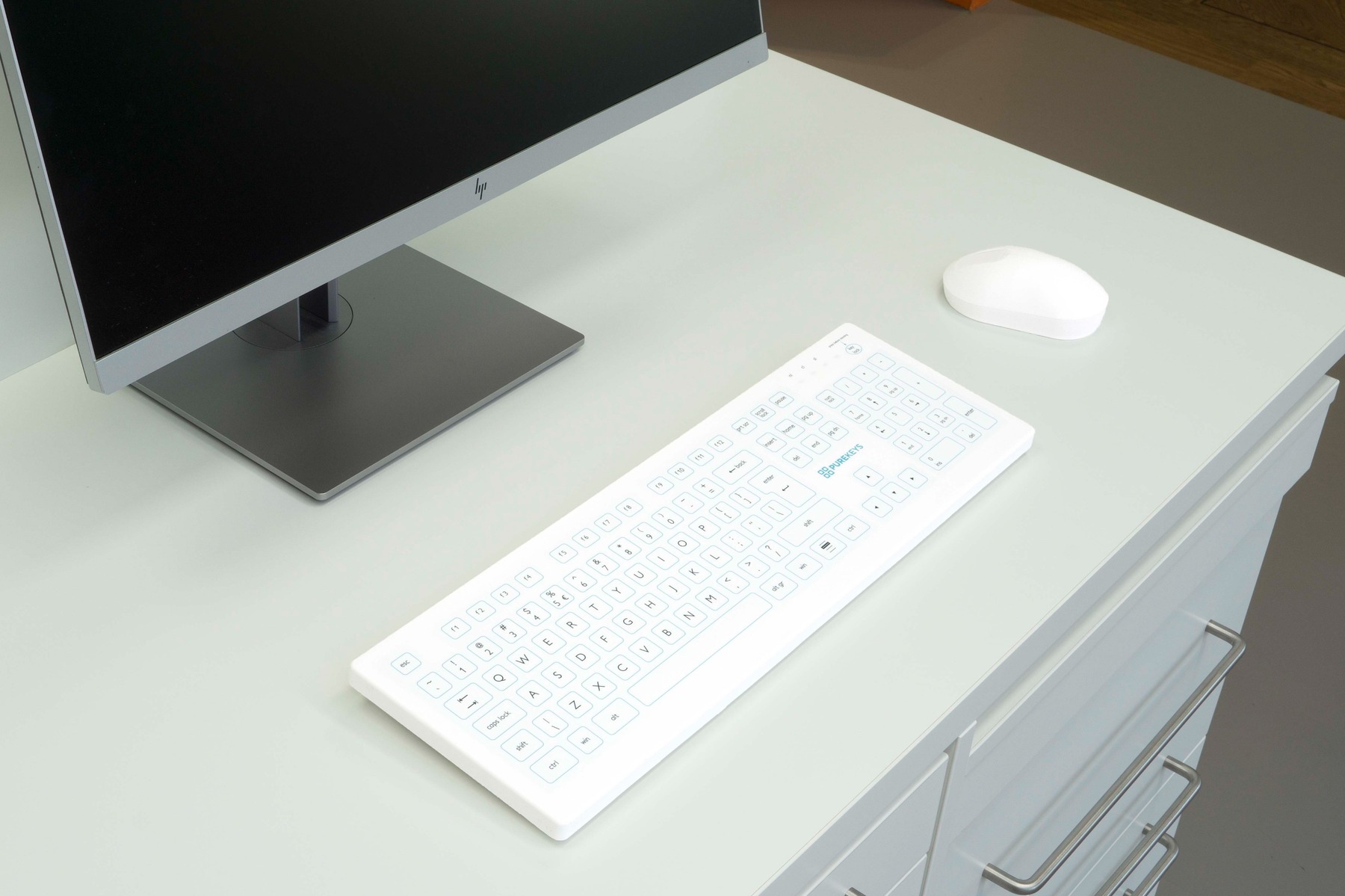
Special disinfectable keyboards from Purekeys are therefore designed for workplaces where computer input devices need to be cleaned and disinfected regularly. Unlike conventional keyboards, Purekeys hygiene keyboards feature a closed, easily wipeable surface made of a flat silicone matrix, combined with a pleasant, tactile typing experience.
They are wipeable, can be disinfected and feature special functions such as a pause key to prevent accidental key presses whilst they are being disinfected.
Suitable surface cleaners and disinfectants may be used for regular cleaning.
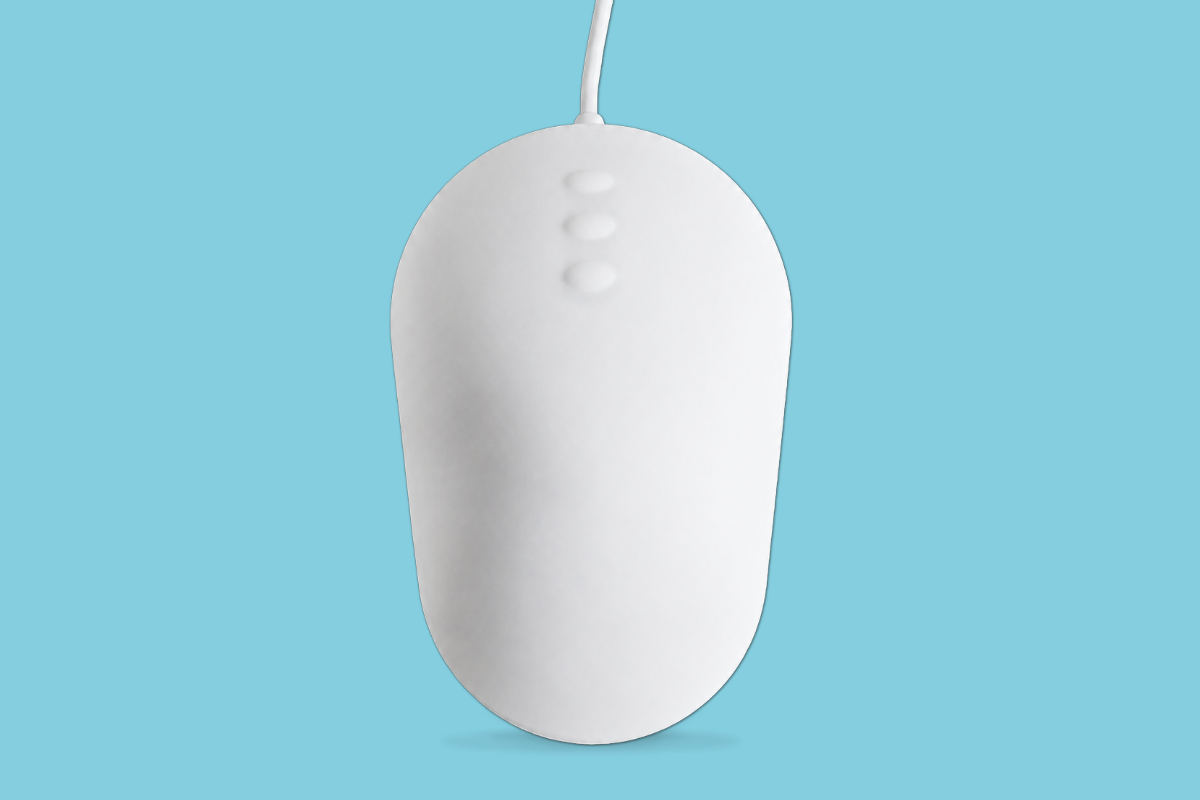
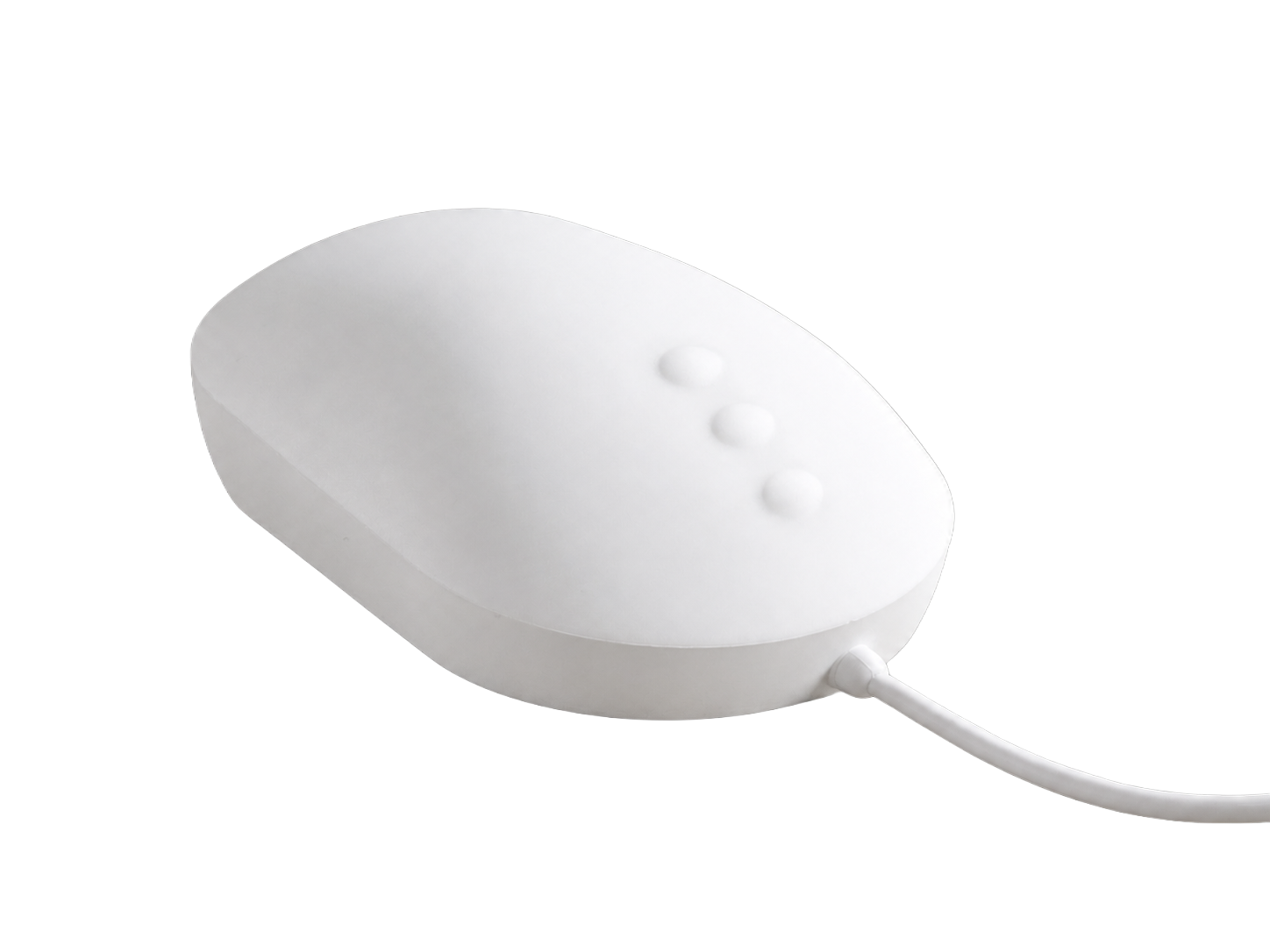
The range of suitable, disinfectable computer mice complements the product range of Purekeys.
Quick cleaning without interrupting the workflow
Cleaning the disinfectable keyboards and mice from Purekeys is deliberately straightforward.
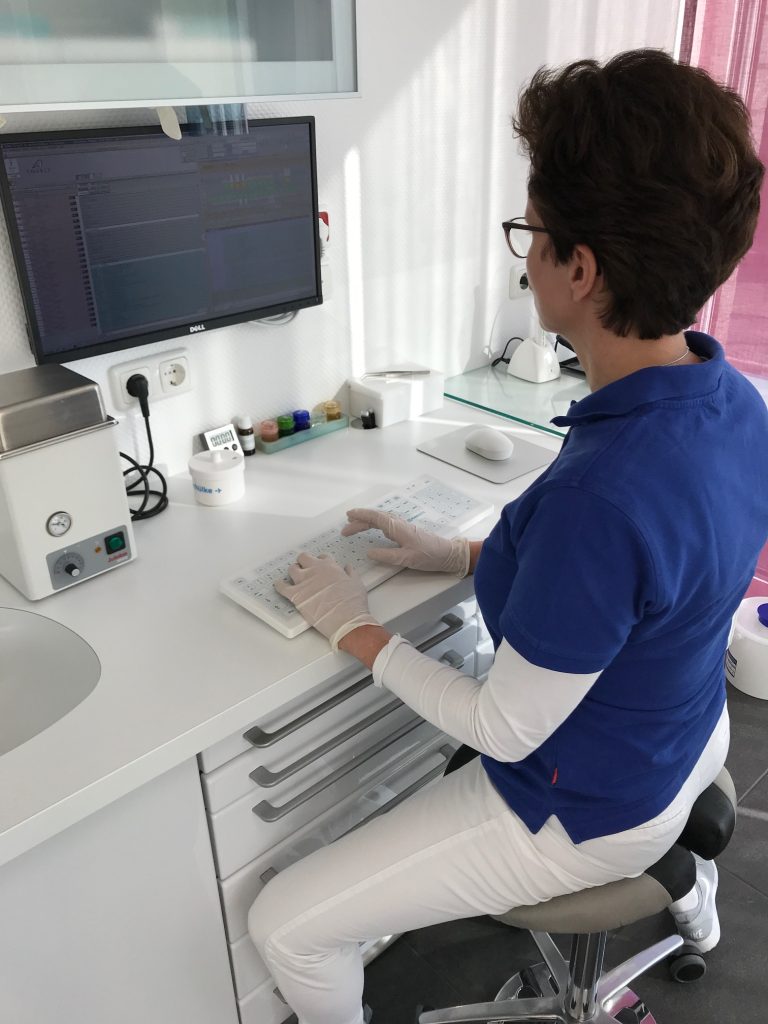
About the CLEAN key Keyboard input is temporarily disabled whilst cleaning. This allows the entire surface to be wiped down without triggering any unintended inputs on the computer.
The keyboard is then returned to normal use. This allows regular wipe disinfection to be integrated directly into the workflow.
To this end, a disinfectable keyboard must be able to withstand a wide range of working substances and disinfectants, such as those used in medicine, food technology, dentistry and other sensitive sectors where hygiene at the computer workstation is important.

Tactile keys
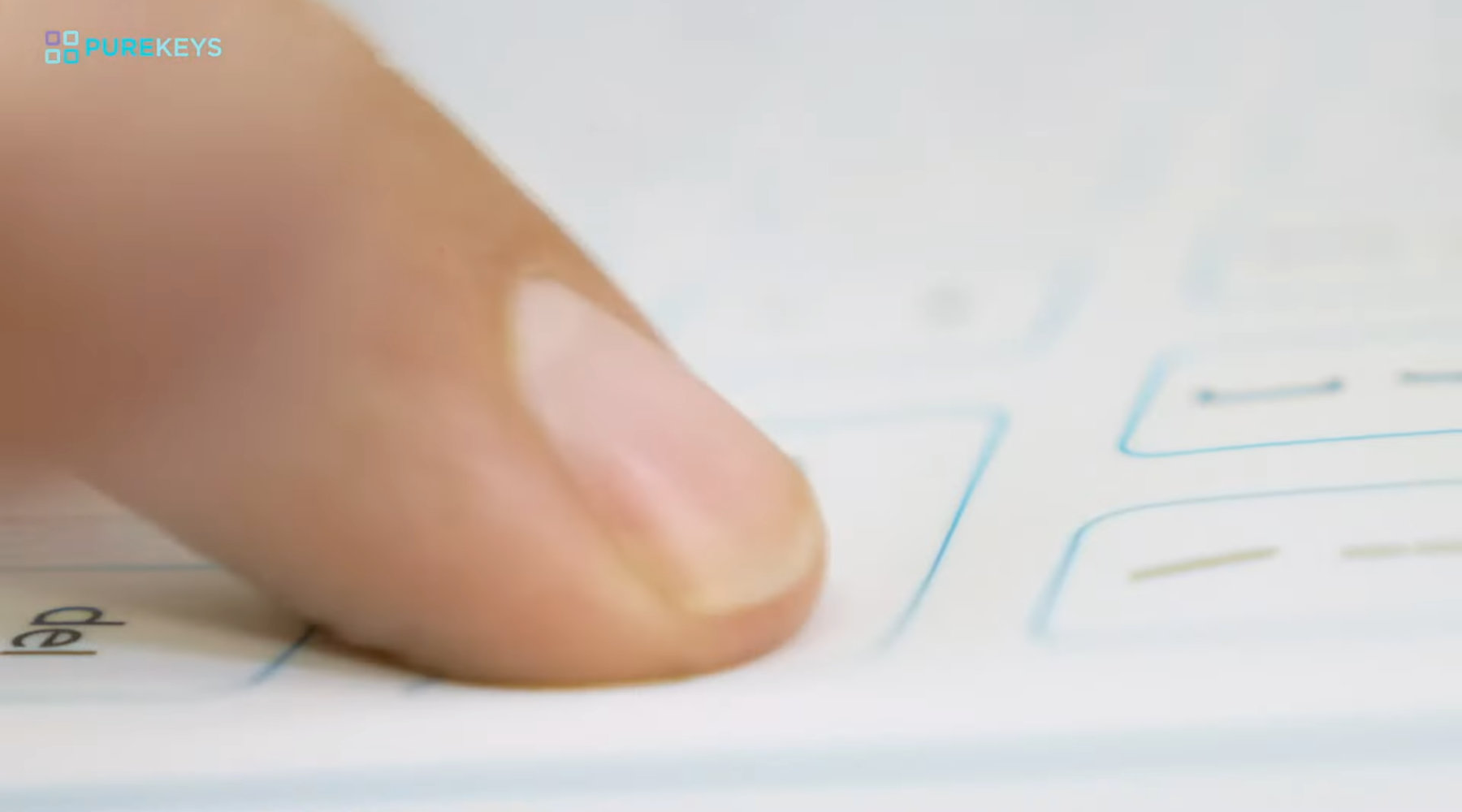
The Purekeys keyboards combine a seamless, smooth surface with a distinctly tactile typing experience, as mechanical keys are located beneath the silicone matrix, providing a pleasant typing sensation.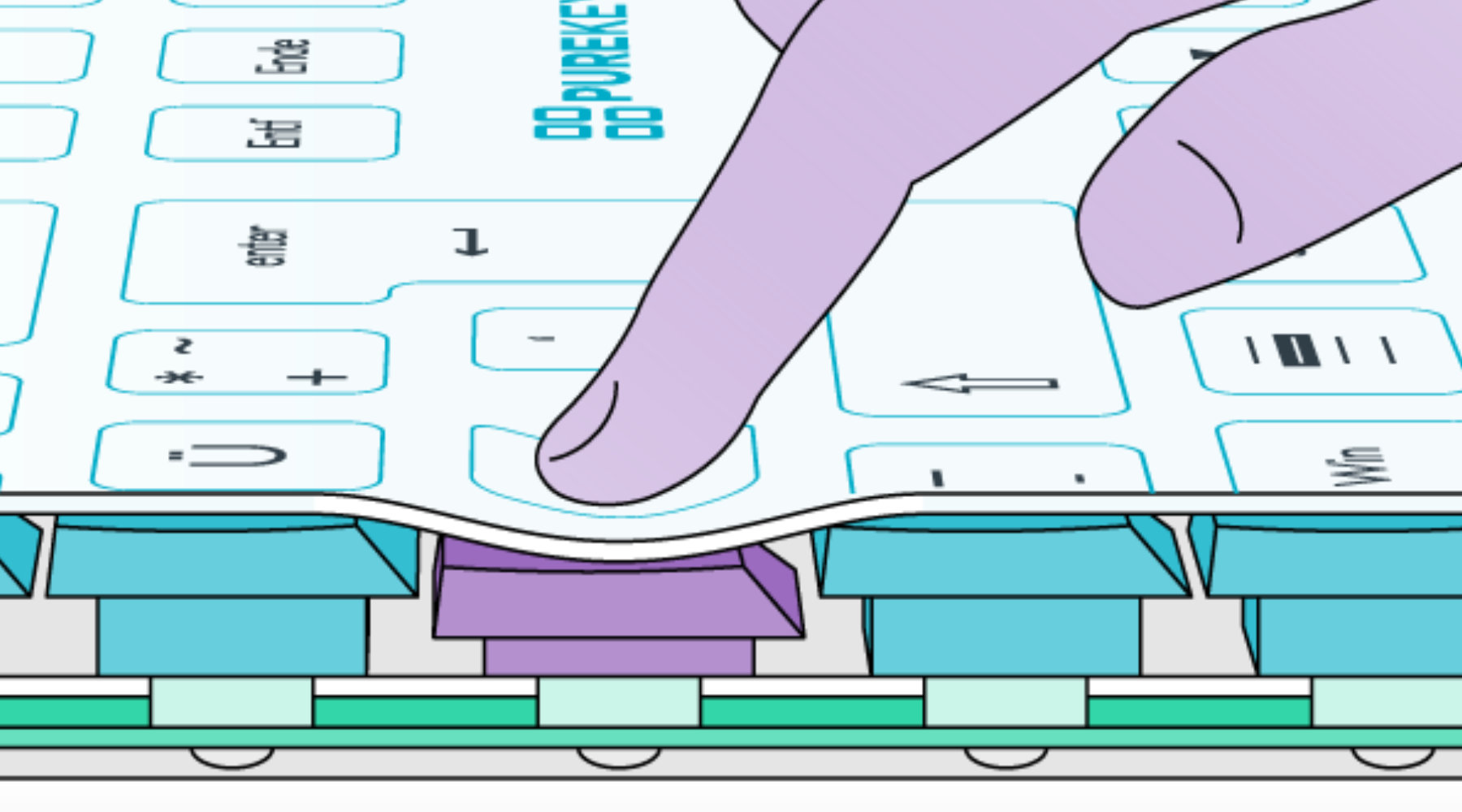

Disinfection
The surface made of a flat silicone matrix can be quickly cleaned during everyday use and treated with all standard disinfectants, including those containing chlorine, fungicides, hydrogen peroxide or more than 70 per cent alcohol.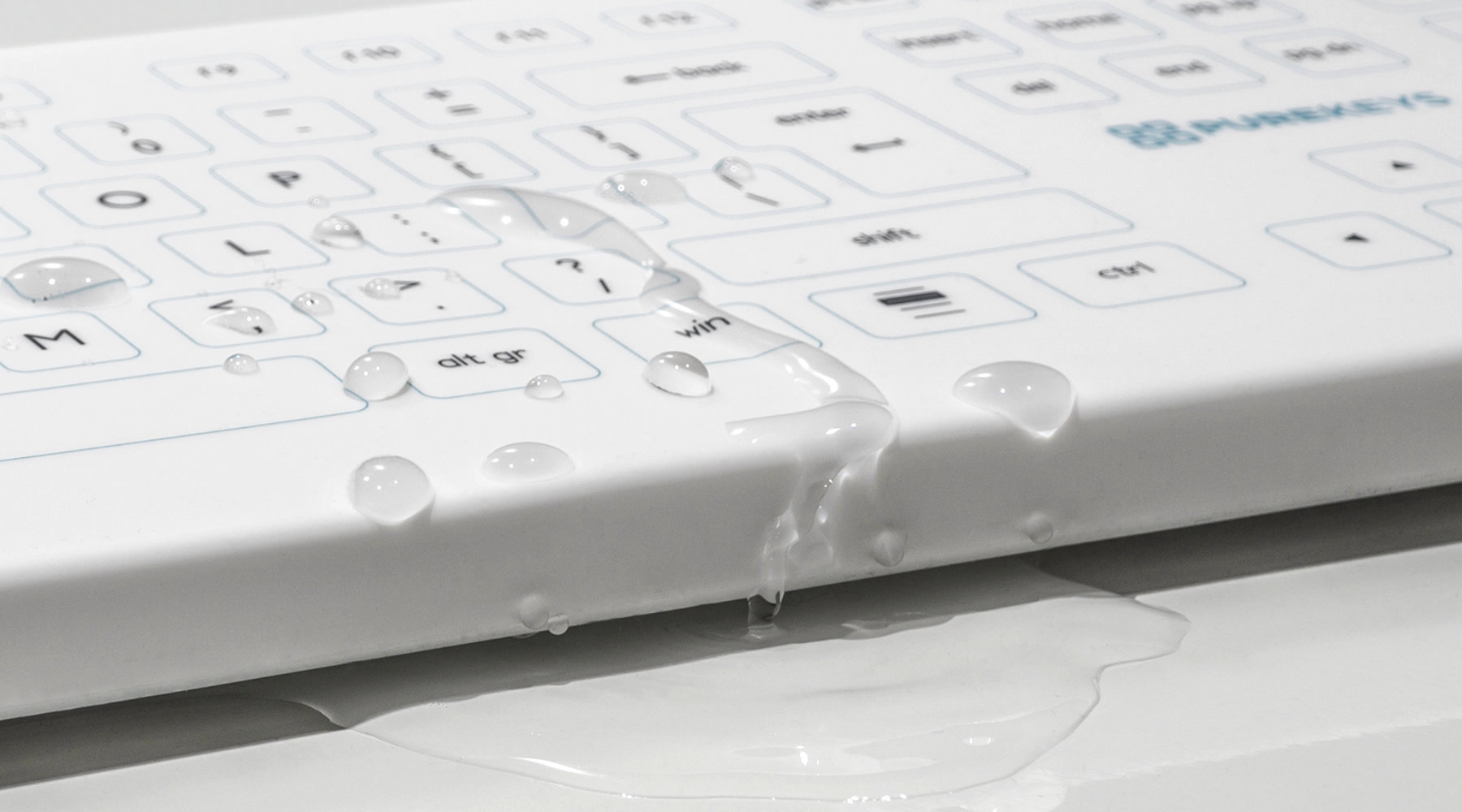
Cleaning pause
All keyboards and the latest generation of mice have a pause function. This key or key combination disables input whilst cleaning, without the need to remove the keyboard or mouse from the workstation.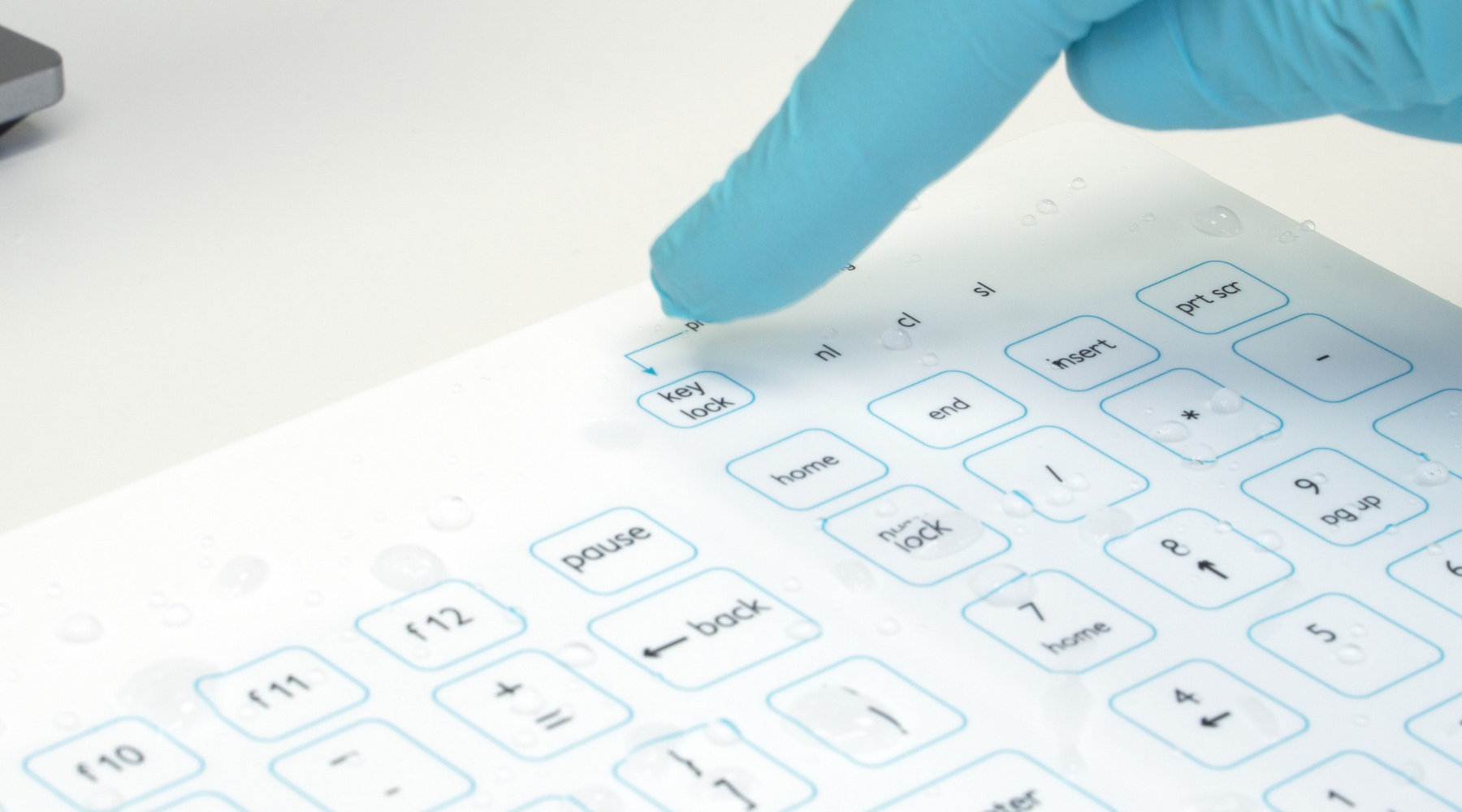
Disinfectable keyboards for medical environments
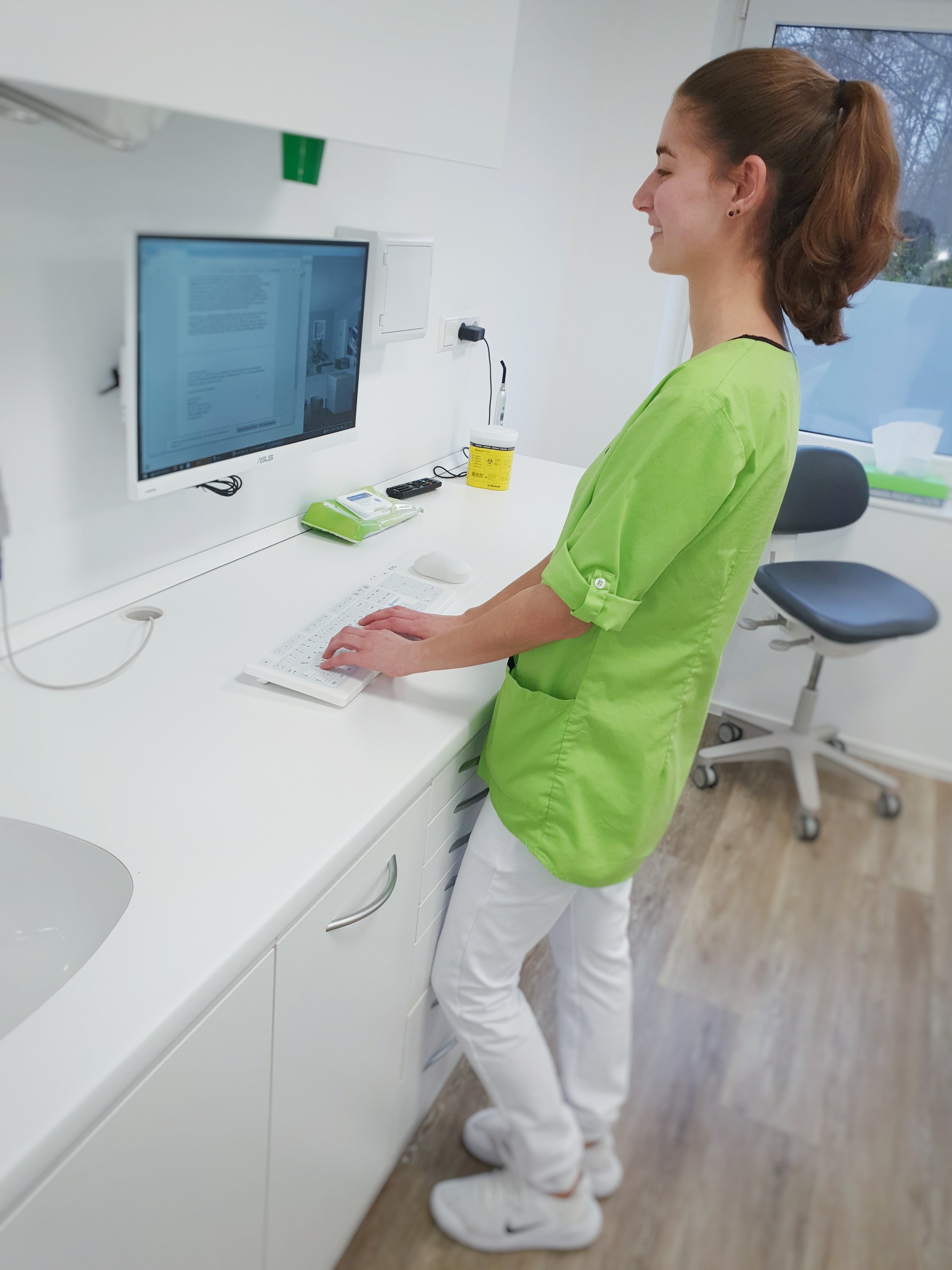
Purekeys hygiene keyboards are particularly suitable for areas where computer workstations need to be cleaned regularly, for example:
Advantages of a disinfectable keyboard by Purekeys
A disinfectable keyboard offers numerous benefits for a hygienic working environment. These include:
Purekeys: Impressions
(Click on the image to enlarge)
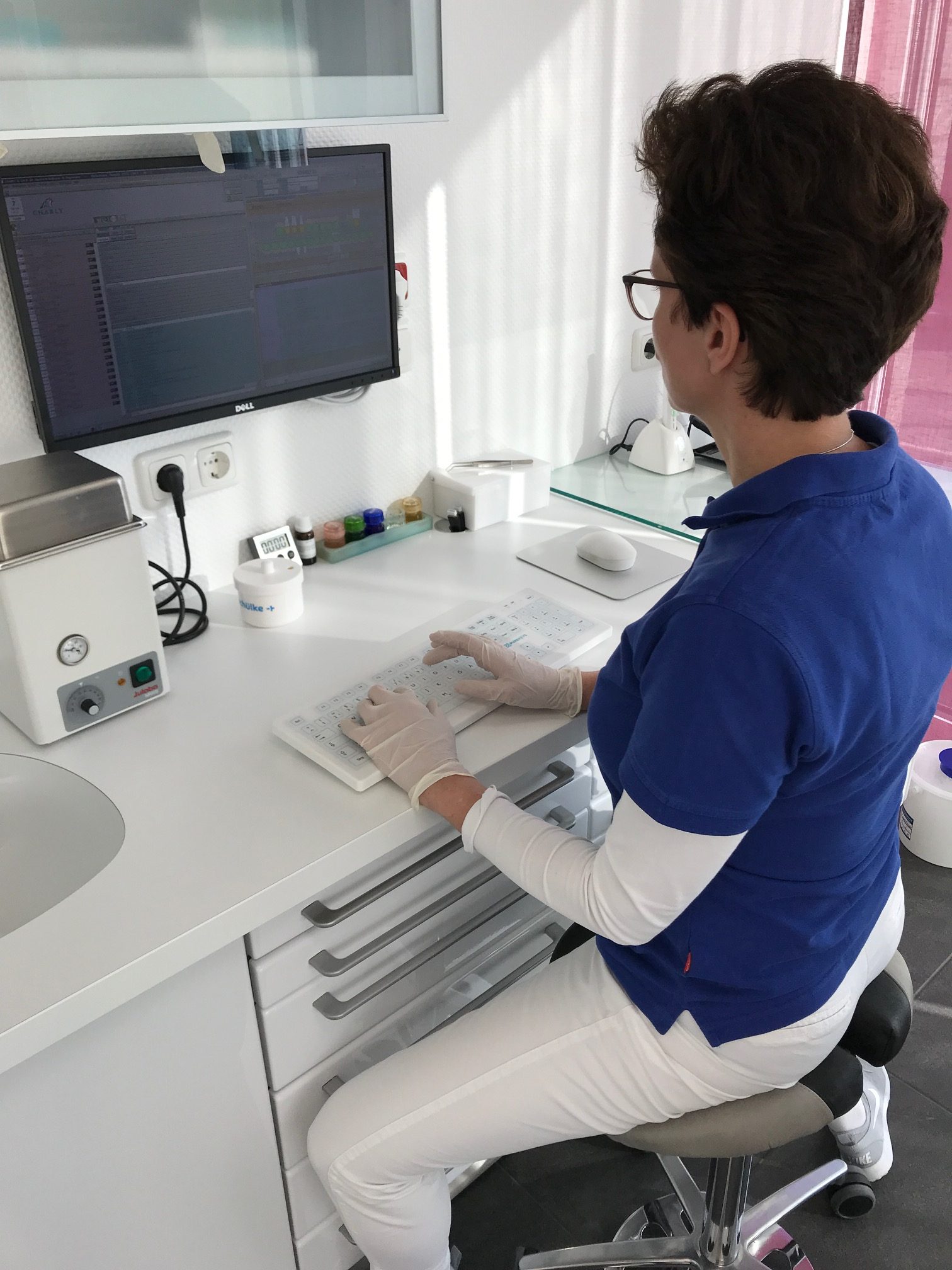
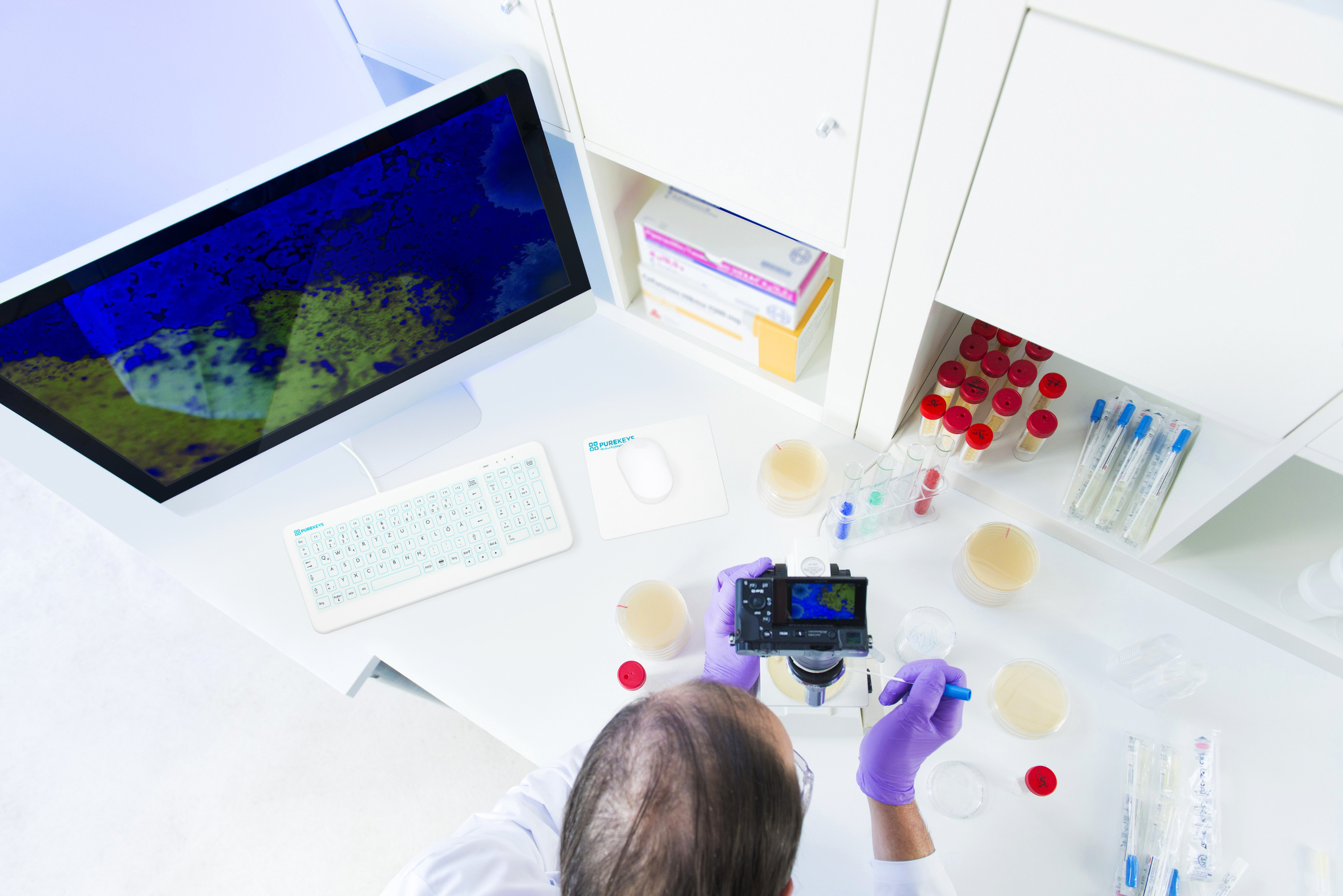
Matching disinfectable computer mouse
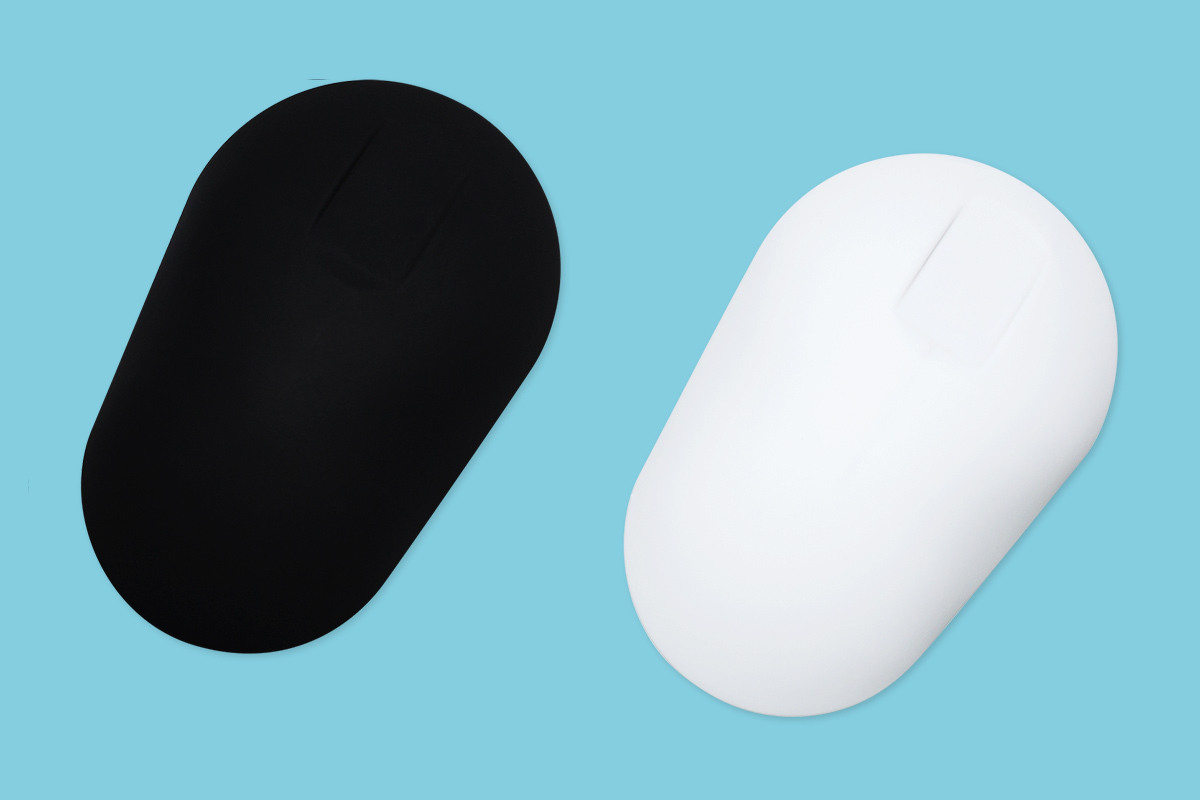
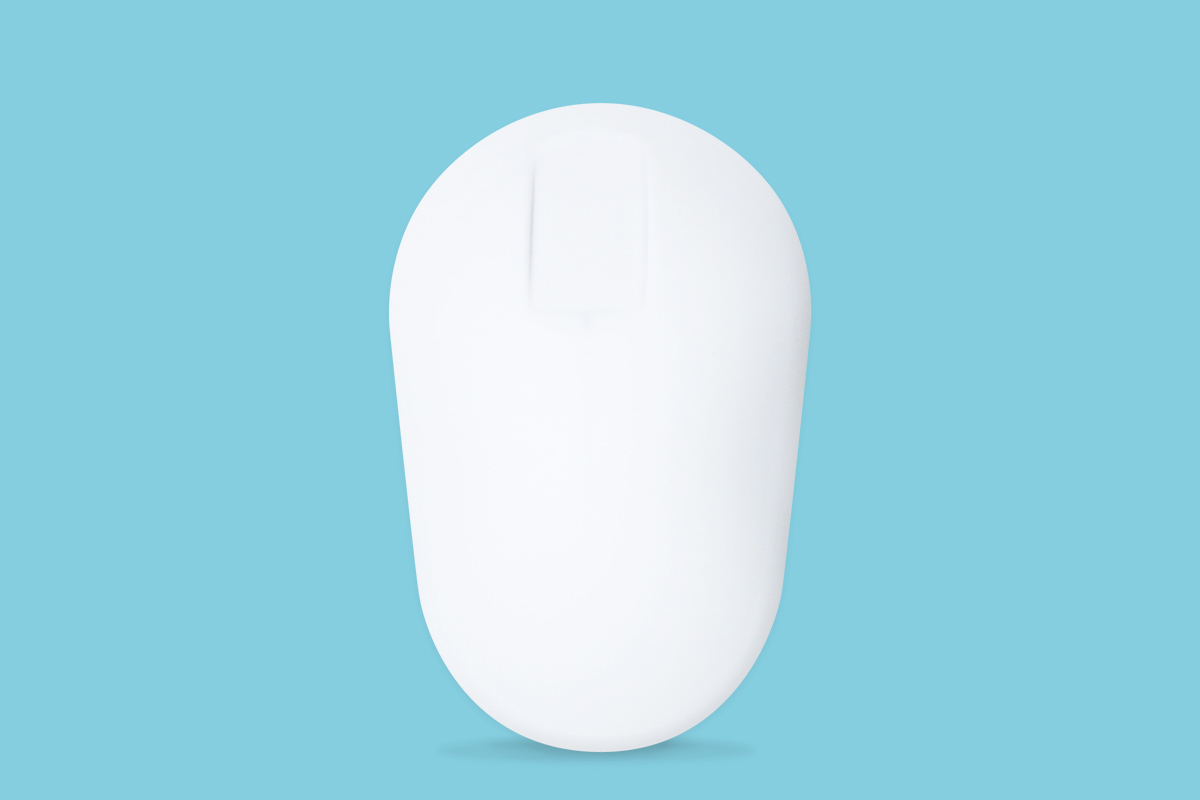
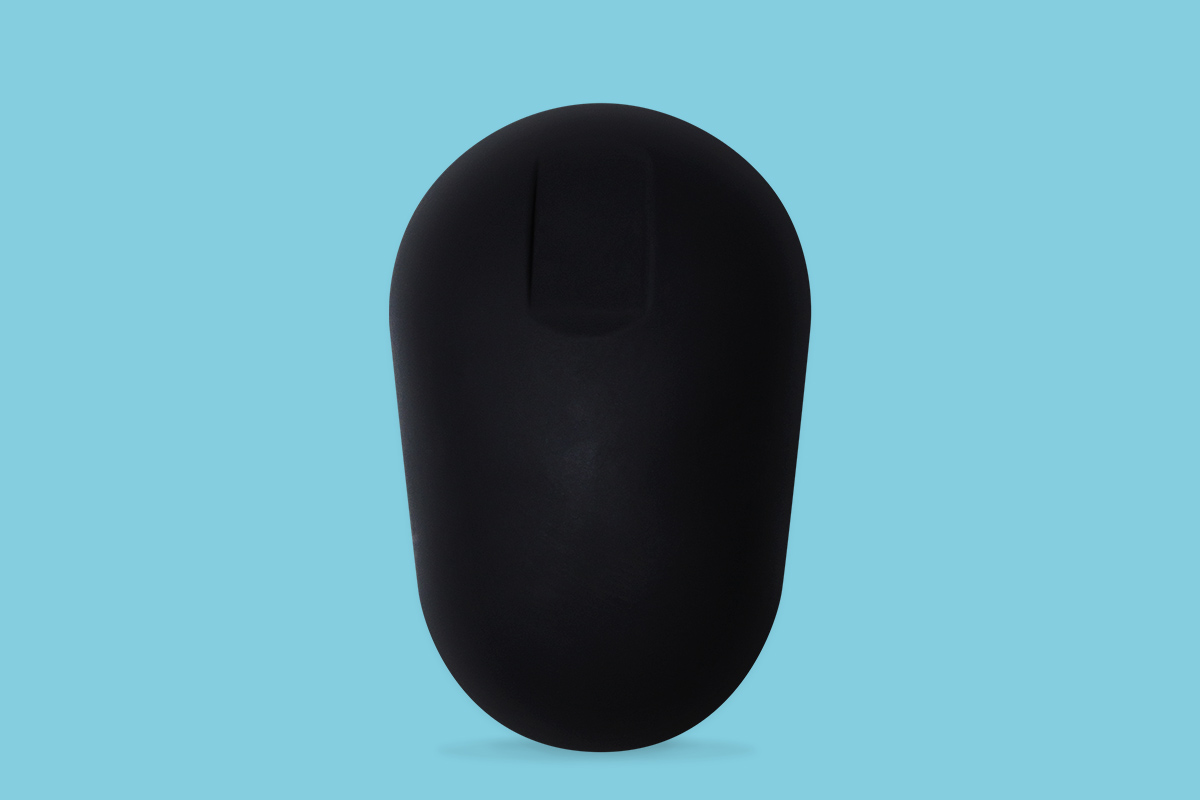
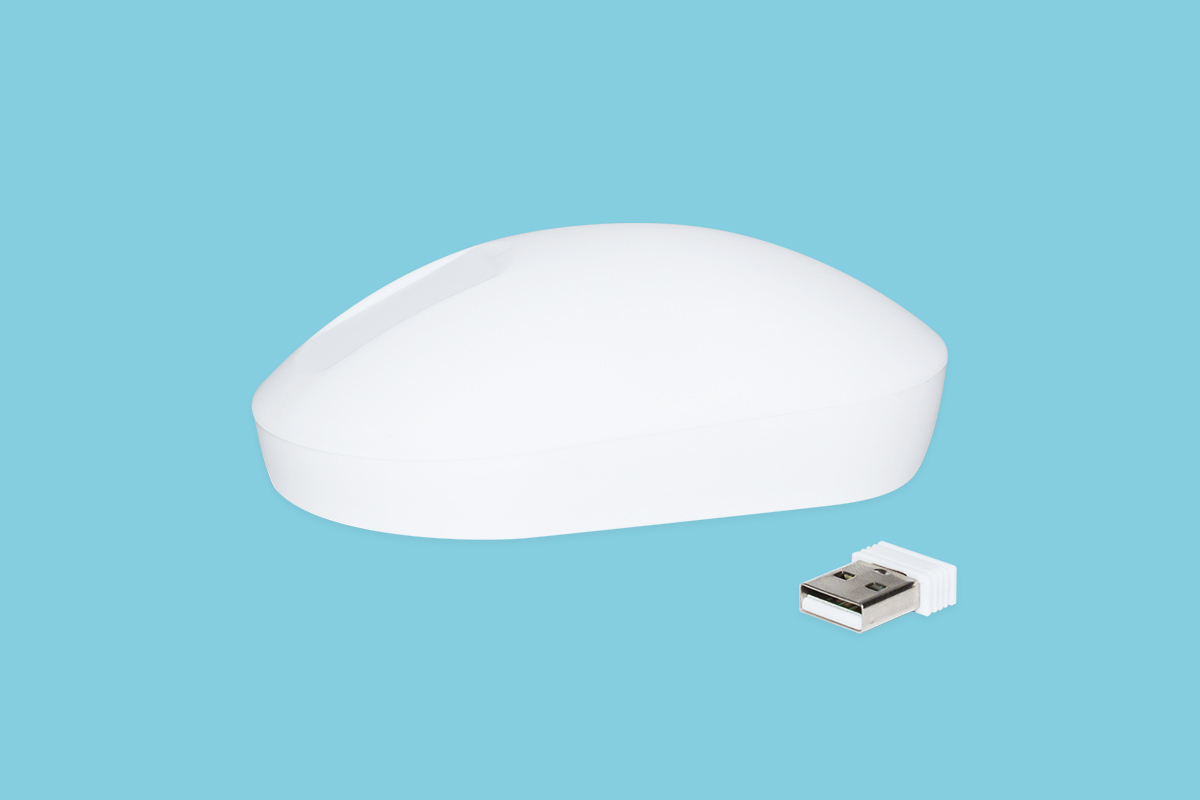
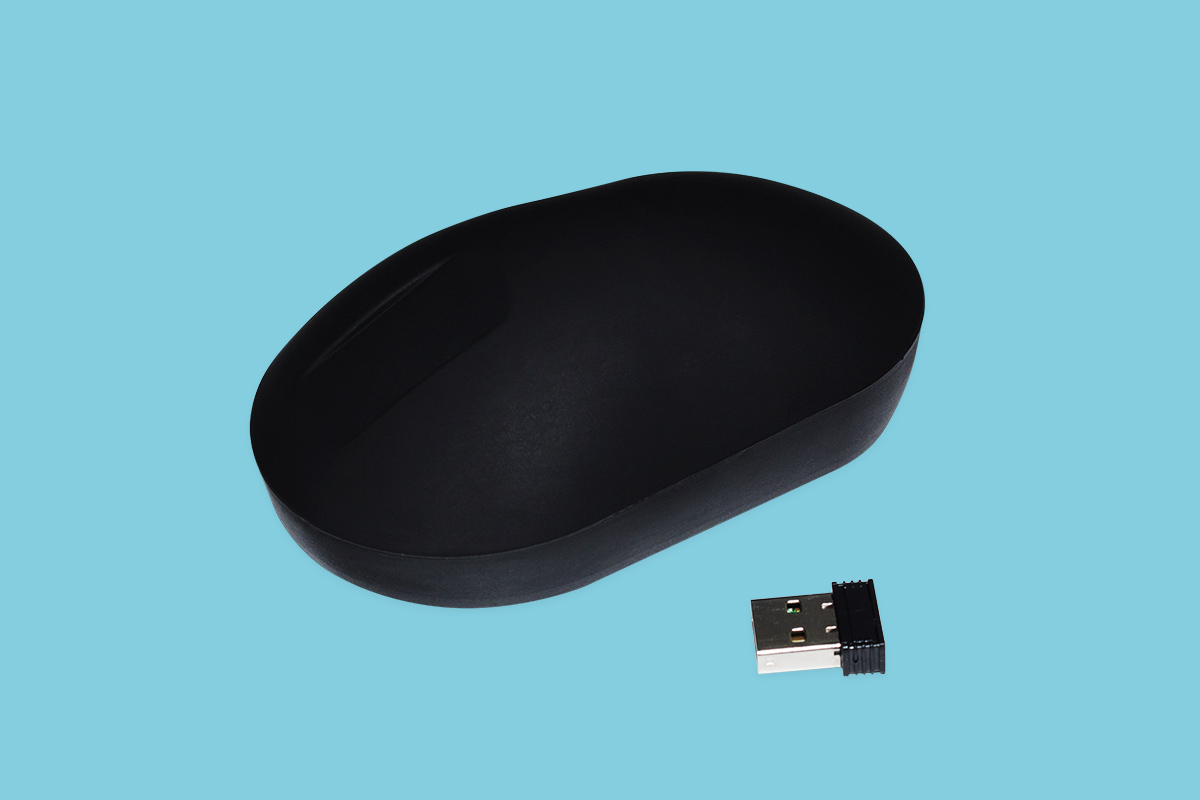
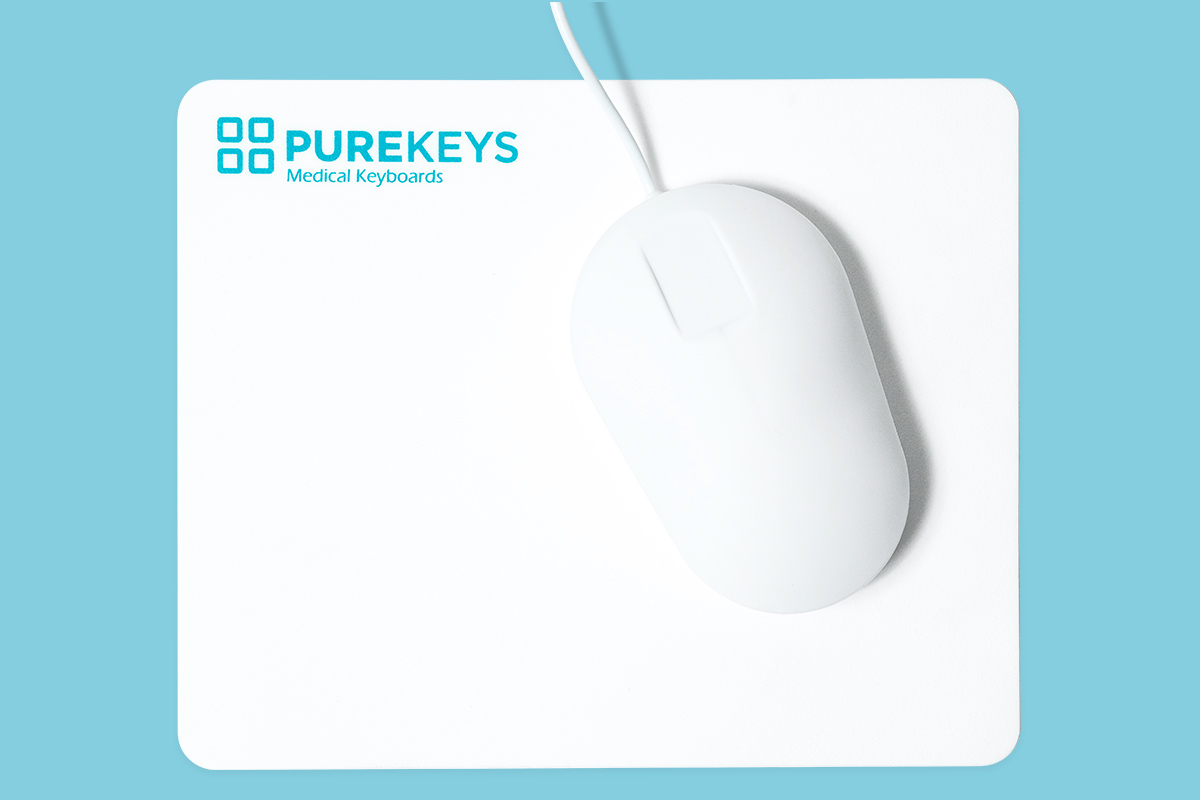
To ensure a workplace that fully complies with hygiene standards, Purekeys also offers computer mice with a seamless surface that are easy to clean.
Depending on the model, wired and wireless versions are available, in black or white, as well as different control options for scrolling via touch or buttons.
Most disinfectable mice from Purekeys have a pause function to ensure the disinfection process runs smoothly.
What can cause the disinfection of keyboards to fail?

Disinfectable keyboards and mice from Purekeys have solved these problems.
Can your disinfectable keyboard really be kept hygienic?
A simple test.
In a simple test you can carry out yourself, you can find out in three steps whether the one you are currently using Hygiene keyboard are at increased risk of bacterial colonisation:
Have a go at the ketchup test
Buy a small pot of ketchup (30ml).
Apply this generously to your keyboard, which can be cleaned and disinfected.
Wipe the keyboard clean in 10 seconds.
How many red marks are left?
That would be the Disinfection failed.
Questions and answers about disinfectable keyboards
How often keyboards and mice should be cleaned or disinfected depends on the specific area of use and the facility’s hygiene plan. In hygiene-critical work areas, the key factors are how the workstation is used, whether several people use the same input devices, and whether there is direct contact with patients, samples, treatment areas or sensitive work processes.
Purekeys keyboards and hygiene mice are designed to be cleaned and disinfected regularly and frequently on a daily basis for many years. In areas where patients are treated, cleaning may be carried out after each patient treatment and may be included in the hygiene plan. In other workplaces, cleaning at fixed intervals, when visible soiling is present, after a change of user, or at the end of the working day may be sufficient.
It is also important not to use abrasive materials such as brushes or coarse sponges for cleaning. This is not necessary anyway, as the surfaces can be cleaned thoroughly using, for example, soft cloths or wipes soaked in disinfectant.
It is important to note that keyboards and mice should not be regarded as “ordinary accessories”, but as frequently touched surfaces. They should therefore be included in existing cleaning and disinfection routines. The specific frequency should always be tailored to the particular working environment, the risk of infection and internal guidelines.
Before cleaning, depending on the model, press the CLEAN key / KeyLock key in the top right-hand corner of the keyboard. This puts the keyboard into cleaning mode and temporarily disables key inputs. This allows the surface to be cleaned and disinfected without accidentally triggering any inputs on the computer whilst doing so. The active cleaning mode is indicated by the green LED.
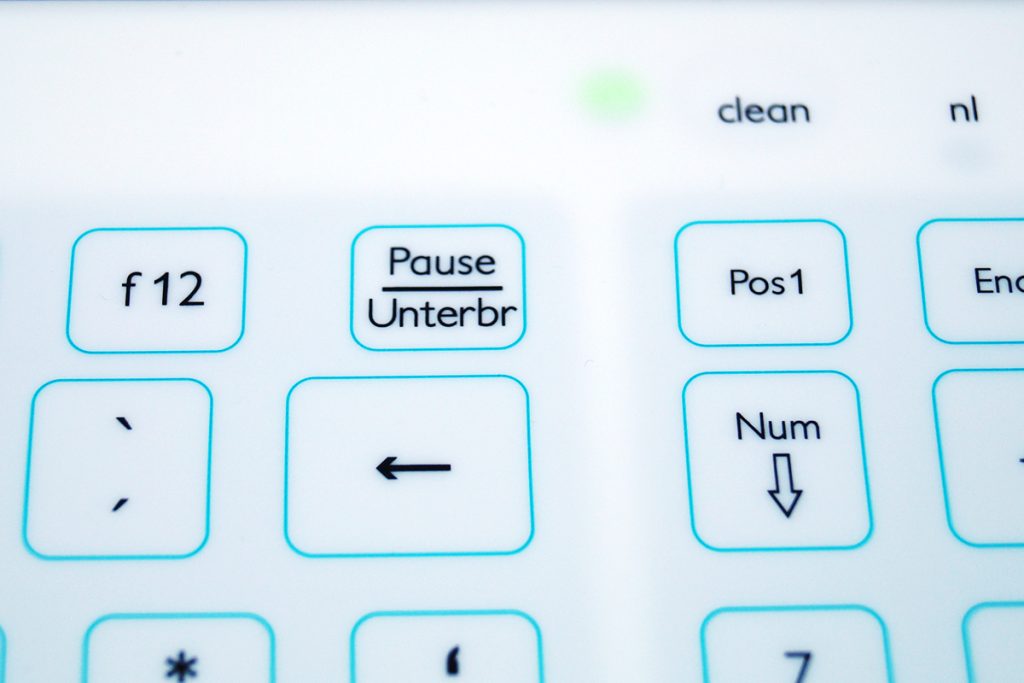
Once cleaning is complete, the keyboard can be reactivated by pressing the CLEAN key again. Alternatively, the key functions will be automatically reactivated after 60 seconds if no key is pressed.
Disinfecting Purekeys keyboards
For cleaning, we recommend wipe disinfection with a suitable cloth and a disinfectant appropriate for the area of use suitable cleaning agent or disinfectant. Spray disinfection may also be carried out. When doing so, please follow the guidelines set out in your hygiene plan and the instructions for the disinfectant being used.
Spray disinfection
All Purekeys devices can be completely disinfected by spraying. This involves using a suitable cleaning agent or disinfectant, which is sprayed onto the surfaces and either wiped off once the contact time has elapsed, or left until it has dried. Please ensure you follow the guidelines set out in your hygiene plan and the instructions for the disinfectant being used.
Spray disinfection is not the preferred method for Purekeys surfaces. When spraying, there is a risk that aerosol containing the disinfectant may be inhaled or that surfaces may not be wetted evenly. For this reason, wipe disinfection is generally preferred for easily accessible surfaces. This is also in line with the official recommendations of most professional bodies.
Wipe disinfection
For Purekeys keyboards and hygiene mice, we generally recommend wipe disinfection. This is the method of disinfection recommended by many professional bodies.
In this process, the closed surface made of a flat silicone matrix is wiped down with a cloth soaked in a suitable cleaning agent or disinfectant solution. Please ensure you follow the guidelines set out in your hygiene plan and the instructions for the disinfectant being used.
Disinfection procedure
Before cleaning, you can press the CLEAN key on Purekeys keyboards. This temporarily disables key inputs. On the Purekeys hygiene mouse (models 50075, 50275 and 50065), a pause function can also be activated. This allows the keyboard and mouse to be cleaned without accidentally triggering any inputs on the computer whilst cleaning. After 60 seconds, or when the CLEAN key is pressed again, the keys are reactivated.
Disinfectable Purekeys keyboards and hygiene mice are designed for regular cleaning and disinfection in professional environments. These models are specifically designed for use in settings such as doctors’ surgeries, dental practices, clinics and hospitals, laboratories, cleanrooms, food production facilities, veterinary medicine and similar hygienic work environments.
Purekeys keyboards and hygiene mice are designed for regular cleaning and disinfection in professional settings. The surface made of a flat silicone matrix is resistant to all standard disinfectants used in settings such as doctors’ surgeries, dental practices, hospitals, laboratories, cleanrooms, food production facilities and similar hygienic work areas.
Suitable disinfectants may be used, such as those intended for other hygiene-relevant surfaces in the relevant work area. These include disinfectants with an alcohol content of over 70 per cent, those containing ammonia, fungicides or sporicides, or cleaners containing hydrogen peroxide. It is important that the product is suitable for the intended use and is applied in accordance with the disinfectant manufacturer’s instructions.
Cleaning should preferably be carried out using wipe disinfection, which is also in line with current safety recommendations in many disinfection areas within medical companies, hospitals, doctors’ surgeries and food production facilities. This involves wiping the surface with a suitable cloth soaked in disinfectant. This allows the smooth surface to be cleaned in a controlled manner, without unnecessarily releasing disinfectant into the air as an aerosol, which could potentially be inhaled.
The following should be avoided: Cleaning procedures using abrasive sponges, brushes or similar coarse cleaning materials that could damage the surface structures.
Please also always follow the guidelines set out in your hygiene plan.
It is not only crucial that the keyboard and mouse can be disinfected, but also that cleaning is carried out using the products and methods authorised for the relevant work area.
Technical background: Surface disinfection – necessary or not?
Every surface in healthcare settings requires hygiene measures. Keyboards, in particular, are no exception, as they are touched far more frequently than many other surfaces, such as tables or trolleys. Furthermore, surfaces can become contaminated – without any direct contact whatsoever – by aerosols potentially containing germs that have otherwise entered the air in the room.
Many specialist media outlets report that surface disinfection is becoming a “fundamental part of the hygiene chain.” (Article in the journal ZWP)
A General guidelines for disinfectants The VAH list sets out those that are authorised for use in medical settings. This is described on the website of the German Society for Hygiene and Microbiology (DGHM) as “List of chemical methods for prophylactic disinfection and for hygienic handwashing, which have been assessed by the Disinfectants Commission of the Association for Applied Hygiene (VAH) e.V. in collaboration with the DGHM, DGKH, GfV, GHUP and BVÖGD, on the basis of the requirements and methods for VAH certification of chemical disinfectants, and found to be effective.”
Here you will find the VAH list and information on its use.